Phone Motherboard Repair: PMIC Diagnosis, BGA Rework and Data Recovery
Understand how technicians narrow down board faults, what BGA rework involves, and which repair decisions preserve the chance of local data recovery.
Phone motherboard repair is appropriate when a qualified technician has separated a board fault from a failed battery, display, connector or other replaceable assembly. A dead screen, failure to boot or loss of cellular service can each have several causes. The useful result of diagnosis is a localized fault and a repair plan, rather than a guess based on one current reading.
Tell the repairer whether recovering local files or restoring the handset is your priority. Ask which tests identify the affected circuit, whether the original board will be retained, and whether any proposed reset or replacement would remove access to local data. For a wet, swollen or unusually hot device, stop powering it and arrange professional assessment.
Which repair path fits the evidence?
| Finding | Investigation | Decision to request |
|---|---|---|
| Phone appears dead | Check display response, charging path, battery and boot indications | Establish whether it is a display, power or boot fault |
| Damage around connector | Inspect the specific assembly and interconnect | Replace the serviceable assembly where the model allows |
| Abnormal resistance on a supply rail | Compare schematic, meter mode and known-good board conditions | Locate the affected branch before replacing a PMIC |
| Suspected BGA joint damage | Inspect history, continuity and package-specific evidence | Distinguish solder-joint failure from a failed chip or board pad |
| Data exists only locally | Preserve original board and credentials | Agree on data recovery before reset or board exchange |
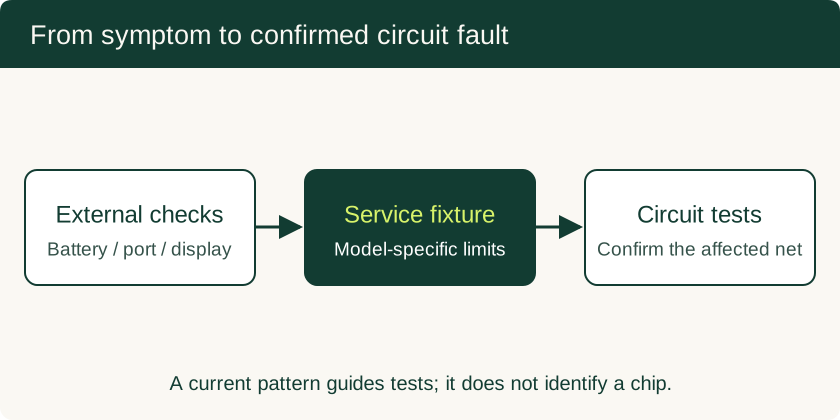
Bench current is a clue, not a component identifier
A technician can observe current before and after a power-button event using a correctly configured service setup. The result depends on model, battery communication, fixture, boot state and connected peripherals. A flat trace, repeated pulse or immediate current draw directs further testing; each pattern needs comparison with the same model under matching conditions.
Before interpreting a trace, the repairer should establish supply limits, polarity, connection integrity and the required battery or service fixture. An apparent zero can come from an open connection or missing enable signal. High current may reflect a load or fault elsewhere on the rail. Ask for the affected net and corroborating measurement, not a universal “normal boot amperage.”
Locating a short around the PMIC
A power-management IC distributes and controls several supplies. Capacitors and downstream chips can share those rails. A short across a rail therefore does not establish that the PMIC itself is defective. Resistance and diode-mode measurements should be made in the appropriate power-off state and interpreted against the circuit and meter polarity.
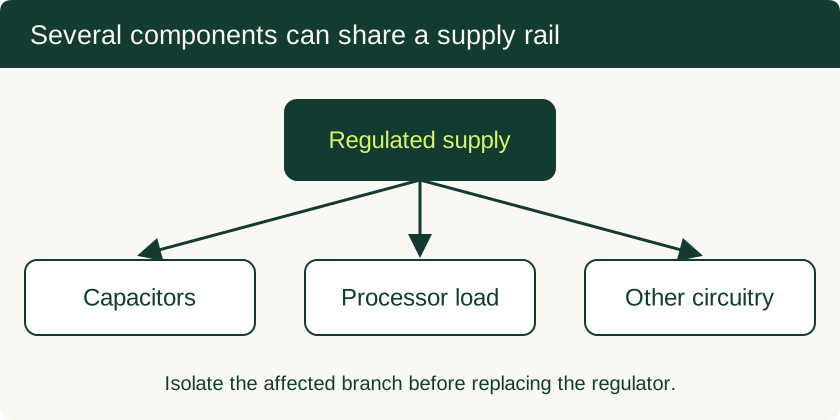
Thermal imaging can help a trained technician locate where energy is dissipated during a controlled test. The hottest component may be a load, a regulator or the actual fault; the thermal observation must agree with circuit isolation. Current-limited injection requires model-specific voltage limits and a known rail. Applying battery voltage to an unidentified processor rail can destroy otherwise recoverable hardware.
Rail labels such as VPH_PWR, VCC_MAIN and VSYS occur in different designs. The relevant schematic or manufacturer service documentation determines the actual circuit, limits and test sequence. Do not transfer one model’s readings to another.
What BGA reballing and stacked-board work involve
A ball-grid-array package connects to the PCB through solder joints underneath the chip. Reballing removes a package, prepares its contact surface, replaces the solder balls and reattaches it. It addresses the interconnect only when that interconnect is the demonstrated failure. A defective die, torn pad or damaged internal PCB connection calls for a different remedy.
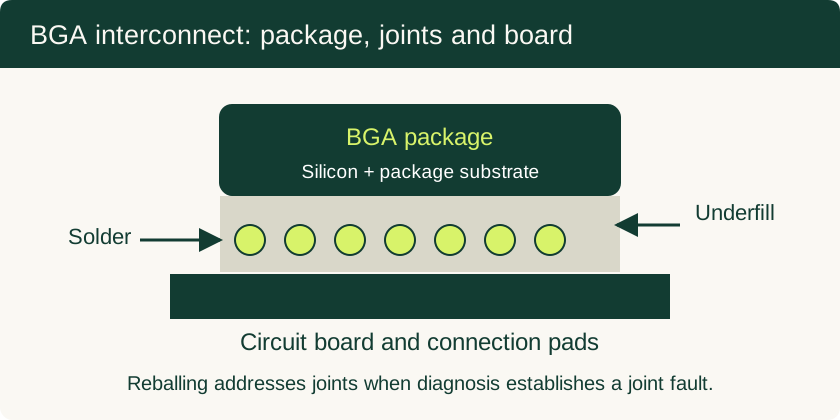
Underfill and stacked-board construction add mechanical and thermal constraints. Infineon’s Recommendations for Board Assembly of BGA Packages describes package-specific rework and the influence of board construction on solder-joint temperature. A repairer needs a package- and board-appropriate heating profile, suitable equipment, inspection and post-repair tests. A hot-air station’s setpoint is not the solder-joint temperature. Repeated uncontrolled heating can lift pads, warp a board or damage nearby components. iFixit’s soldering guide explains heat transfer, joint preparation and battery precautions; specialist BGA work requires additional component-specific process documentation.
Follow the model's disassembly procedure. iFixit's soldering guidance recommends reducing battery charge below 25% to reduce fire risk; a partly discharged battery can still be hazardous. Disconnect power and isolate the battery before resistance testing or soldering. Do not puncture, heat or attempt to discharge a damaged or swollen cell by operating the phone.
Data recovery changes the repair objective
Modern phones protect local data with encryption and device-specific key management. AOSP’s file-based encryption documentation explains credential-encrypted storage and the protection of encryption keys. Repairing enough of the original device to boot and accept the owner’s credentials may preserve access. Moving storage alone to a replacement board is not a dependable recovery strategy.
A replacement motherboard restores a different computing assembly; it does not move the original board’s local files. Cloud backups and previously synchronized files may still be available. Ask the repairer to avoid a reset, bootloader unlock or board exchange until you understand the effect on the data. A bypass wire is useful only when it restores a proven damaged connection with acceptable electrical behavior; it cannot bypass storage encryption.
Compare the quote and verify the repair
Request separate prices for diagnosis, modular parts, board work and data-recovery work. Ask whether the fee depends on successful recovery, what happens if repair fails, whether your original parts are returned, and which warranty terms apply. Choose a repairer whose process fits the priority rather than comparing a board swap with microsoldering as if they were the same service.
After repair, test charging, reboot, display, cameras, microphones, speakers, wireless connections and cellular service. Ask for an explanation of any remaining restrictions, including water resistance after opening. Back up recovered files promptly. For faults that occur only during charging, start with the six-step slow-charging guide; the hardware diagnostic overview also covers display and sensor checks.
Related Technical Guides
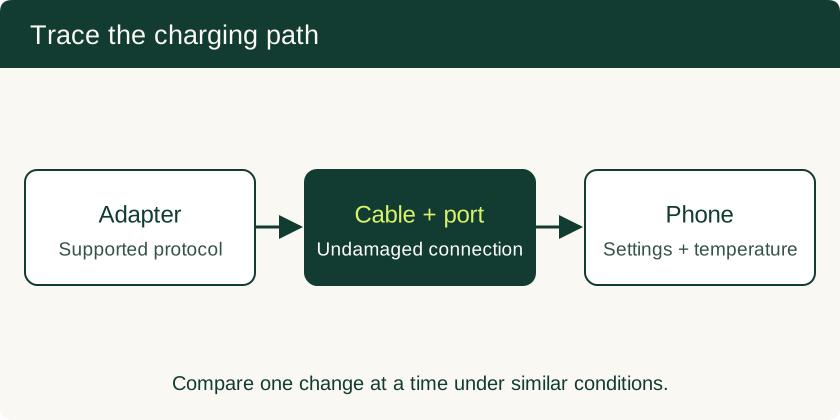
Why Is My Phone Charging Slowly? Six Checks for Cables, Current and Heat
Separate charger and cable faults from battery taper, charge limits and temperature protection with a six-step charging check.
Read technical guide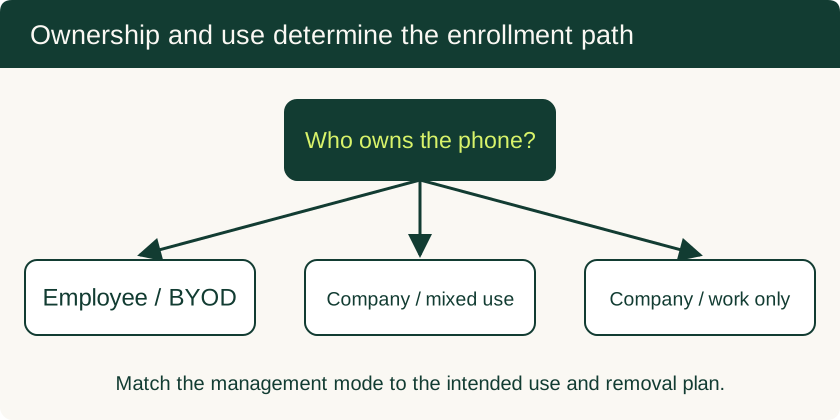
Mobile Device Management for Small Business: BYOD and Company-Owned Setup
Compare enrollment choices, evaluate MDM costs and controls, pilot deployment and test removal of work data before a wider rollout.
Read technical guide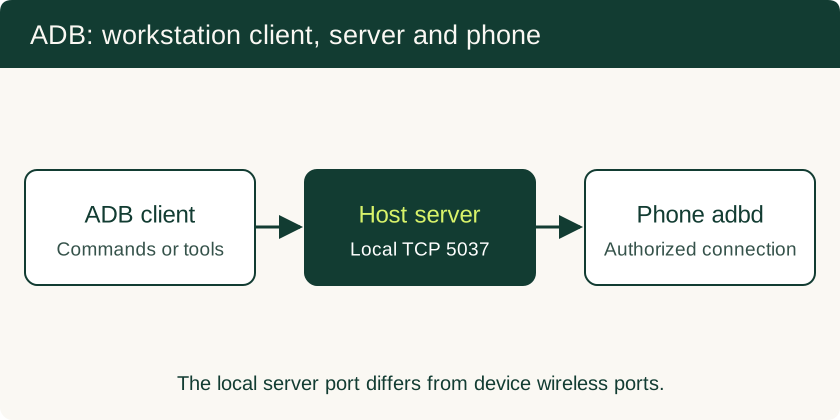
USB Debugging on Android: ADB Authorization, Wireless Pairing and Safe Recovery
Set up trusted ADB connections, collect diagnostics, use scrcpy appropriately and remove workstation access after troubleshooting.
Read technical guide