Smartphone Hardware Diagnostics: Processor, Display, Battery and Board Checks
Understand smartphone subsystems and separate software, display, battery, charging and board faults before choosing a repair.
A smartphone fault is easier to investigate when the symptom is tied to a subsystem. A black screen can be a display problem while the phone continues to run; slow charging can be a deliberate battery-management decision; and a hot processor can reflect workload rather than a damaged chip. Record when the symptom began, whether an update, drop or liquid exposure preceded it, and which functions still work.
Back up accessible files, note the exact model and software version, run the manufacturer's diagnostics and substitute known-good compatible accessories. Stop charging or operating a device with swelling, liquid damage or abnormal heat. Opening the chassis and powered board testing belong to the model-specific repair process.
Symptom-to-subsystem reference
| Symptom | First comparison | Escalation evidence |
|---|---|---|
| Sluggish apps or heat | Idle versus the same workload; OS and app updates | Repeatable issue with recorded thermal or diagnostic messages |
| Flicker or touch failure | Brightness, refresh setting, screen protector and manufacturer display test | Reproducible failure in the model’s diagnostic tool |
| Short battery runtime | Battery health, app usage and repeatable workload | Persistent decline or manufacturer service indication |
| Slow or absent charge | Compatible adapter, cable, port condition and charge settings | Persistent symptom with known-good accessories |
| Phone will not start | Manufacturer restart procedure, charging indication and display response | Battery, connector and board checks by a repairer |
| Rotation or proximity failure | Permissions, obstruction and individual sensor tests | Failed diagnostics after simple causes are excluded |
Processor architecture and process-node labels
A system-on-chip combines computing blocks such as CPU, GPU, image processing and neural processing with interfaces to memory, storage and radios. Its process-node label describes the manufacturing technology family; it is not a direct measurement of every transistor feature or a guarantee of a phone’s battery life.
As a concrete specification reference, Qualcomm’s Snapdragon 8 Elite product brief lists a 3 nm process and identifies the Oryon CPU, Adreno GPU and Hexagon NPU. It also states that implementation affects results. When comparing phones, read the handset maker’s exact chipset, memory and cooling implementation alongside the chip vendor’s brief. For troubleshooting, compare the same workload before and after cooling rather than attributing every slowdown to the process node.
OLED brightness, PWM and display fault isolation
OLED pixels emit their own light. Pulse-width modulation changes the duration of light pulses to control perceived brightness; display refresh rate describes a different behavior. DXOMARK’s first-hand flicker measurement article explains the relationship between pulse timing, brightness and measured light output.
Record whether the visible problem changes with brightness, refresh setting or a particular app. Camera banding is affected by the camera’s exposure and readout as well as the display, so it is not a calibrated measurement of PWM frequency. Distinguish flicker from a dead region, persistent line, accidental touches or loss of touch response. Use the manufacturer’s display and touch diagnostics before replacing a panel. Record model-specific flicker measurements with their brightness and test conditions when comparing displays.
Battery health versus charge level
Charge level describes energy remaining now; battery health estimates how the battery has changed with use. Check the phone’s battery-health or service screen where available, then examine which apps and radio conditions consume energy. Comparing runtime under similar brightness, connectivity and workload is more useful than comparing unrelated days.
Android’s BatteryManager exposes battery properties including current and charge counter when supported. These are not automatically a calibrated full-charge-capacity test. Prefer manufacturer health diagnostics for a replacement decision and investigate unusual app consumption before blaming the cell.
Charging circuitry and power management
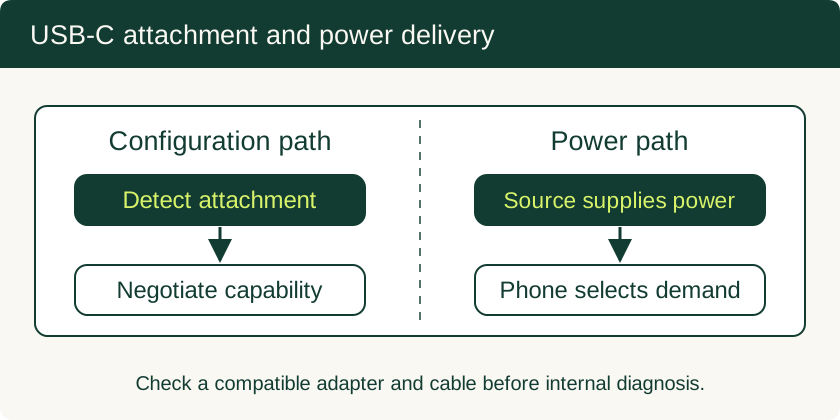
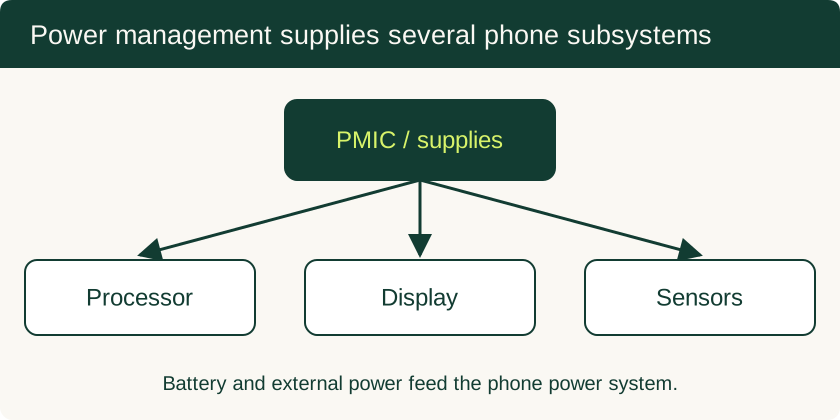
USB-C attachment, adapter compatibility, cable capability and the charging controller all affect power reaching the phone. The PMIC then supplies multiple internal loads. A USB input reading is distinct from battery-side current, and a low reading alone does not isolate a failed component. Follow the six-step slow-charging procedure to compare accessories, charge settings and temperature first.
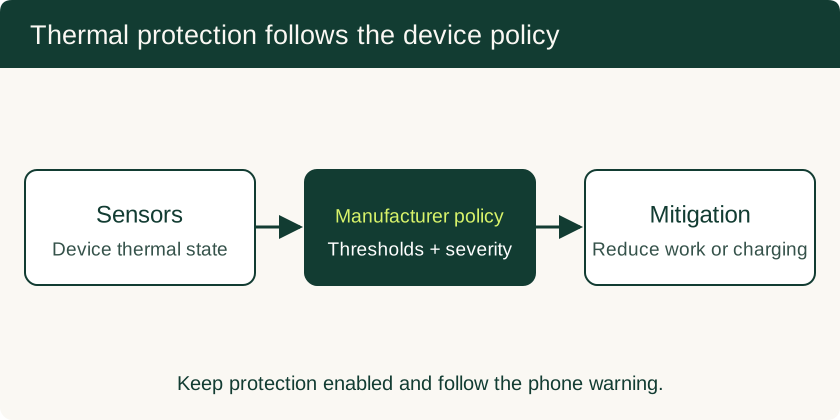
AOSP’s thermal-mitigation architecture uses sensor information and severity states so the device can reduce work or take protective action. Manufacturer policies determine thresholds. Record the actual warning, environment and workload rather than treating a single temperature as every phone’s charging limit.
Sensor checks and manufacturer diagnostic codes
Check a sensor in a task that uses it: rotation with auto-rotate enabled, proximity behavior during a call, and camera or microphone operation in the manufacturer’s diagnostic tool. Remove obvious obstructions and review app permissions. A failed app operation does not automatically prove a failed sensor.
Google documents the Pixel Repair Diagnostics App for supported Pixel devices. On a supported Pixel phone connected to the internet, open the Phone dial pad and enter *#*#7287#*#*, then follow the prompts. Use Google’s repair instructions and diagnostic manual for model availability and before/after-repair tests. Other brands use their own service tools; this code is not a universal Android self-test.
When board-level repair becomes appropriate
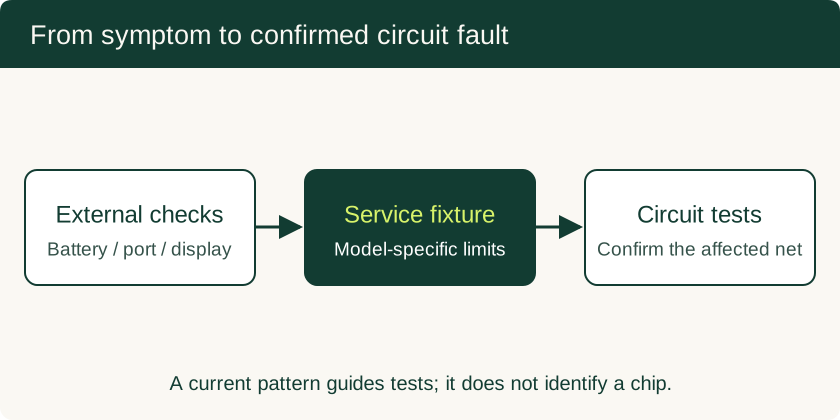
Once display, battery, connector and serviceable assemblies have been investigated, a repairer can use the model’s circuit documentation and controlled measurements to locate a board fault. Neither a current curve nor a hot component uniquely identifies a failed PMIC. Motherboard repair, BGA work and data recovery explains the evidence to request before approving an invasive repair. Preserve the original board when unbacked local files are the priority.
More in Smartphone Hardware Diagnostics
Phone Motherboard Repair: PMIC Diagnosis, BGA Rework and Data Recovery
Understand how technicians narrow down board faults, what BGA rework involves, and which repair decisions preserve the chance of local data recovery.
Read technical guide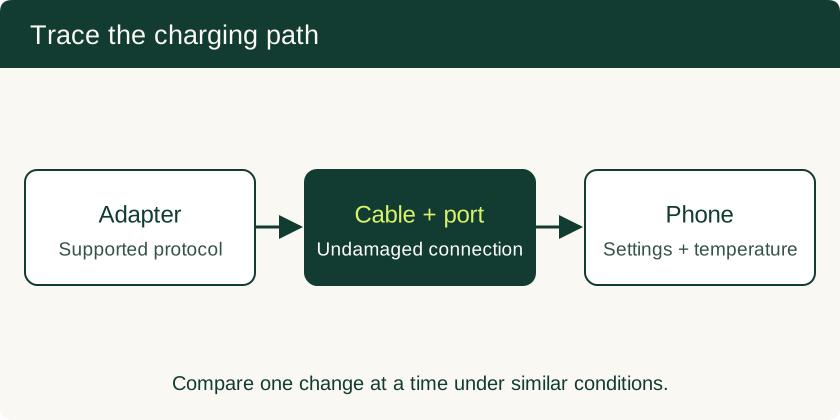
Why Is My Phone Charging Slowly? Six Checks for Cables, Current and Heat
Separate charger and cable faults from battery taper, charge limits and temperature protection with a six-step charging check.
Read technical guide