Why Is My Phone Charging Slowly? Six Checks for Cables, Current and Heat
Separate charger and cable faults from battery taper, charge limits and temperature protection with a six-step charging check.
A slow charge can come from an incompatible adapter, a damaged cable, a loose connection, heavy phone use, or the phone deliberately reducing power. Start with the charging message and a known-good compatible charger before buying parts.
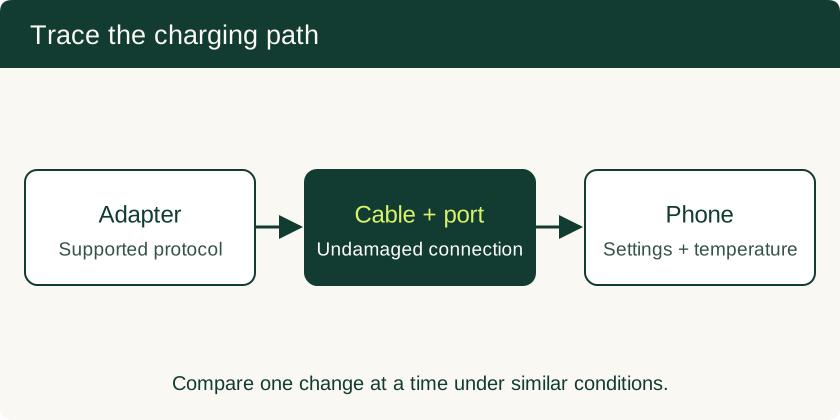
Stop charging if the phone, cable or connector is damaged, wet, unusually hot or swollen. Otherwise, compare one charger and cable at a time with the screen off. Record battery percentage and any temperature or charge-limit message. A low current reading by itself cannot identify a failed port or PMIC.
What the symptom tells you
| Observation | Check next | Interpretation |
|---|---|---|
| No charging indication | Wall outlet, compatible adapter and replacement cable | Isolates the external power path before opening the phone |
| Charging changes when the cable moves | Stop moving it; inspect and try an undamaged cable | Loose or damaged contacts need service if the symptom persists |
| Slows near full charge | Charge limit, optimized charging and battery percentage | Charging normally slows as the battery fills |
| Slows during gaming or navigation | Pause the workload and let the phone cool naturally | System use and temperature can reduce energy reaching the battery |
| Works with one charger only | Match the phone maker’s charger and protocol requirements | The number on the adapter is its maximum rating, not the phone’s draw |
| An app and USB meter disagree | Compare their measurement points and units | Battery current and USB input current measure different circuits |
Step 1: Read current at the correct measurement point
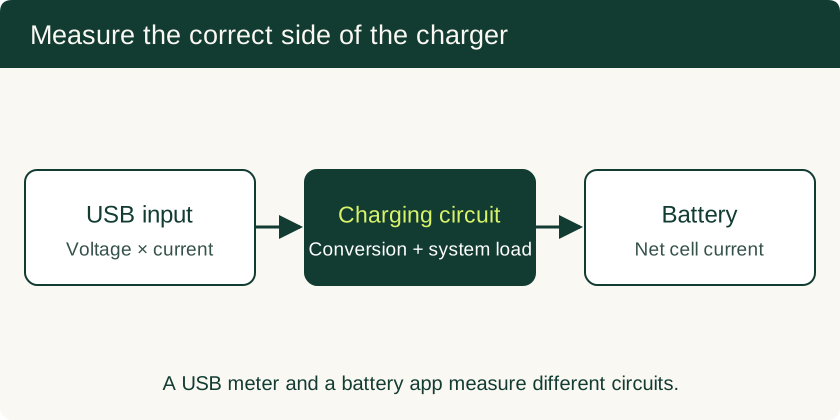
An inline USB meter measures the input at its location in the cable path. Choose a meter that explicitly supports the charging protocol and power range in use: inserting a tester can itself change negotiation. Record voltage and current together. Input power is voltage multiplied by current; a current reading alone does not reveal watts.
Android’s BatteryManager API defines BATTERY_PROPERTY_CURRENT_NOW as instantaneous battery current in microamperes. Positive values indicate charge entering the battery and negative values discharge. Apps such as battery monitors read this battery-side value when the device exposes it. Convert microamperes to milliamperes by dividing by 1,000. The value reflects battery charging after the phone’s system load and conversion losses, so comparing it directly with the adapter’s amp rating is misleading.
On your own authorized computer, adb shell dumpsys battery can provide charging status, level and temperature diagnostics. The fields available depend on the device. A field labelled maximum charging current is a limit, not a live current measurement. See the ADB setup guide before enabling debugging.
Step 2: Check charge limits and battery taper
Apple’s charging guidance and Google’s Pixel charging guidance describe conditions that slow or pause charging. Check optimized charging, adaptive charging and a user-selected charge limit before treating a pause as a fault.
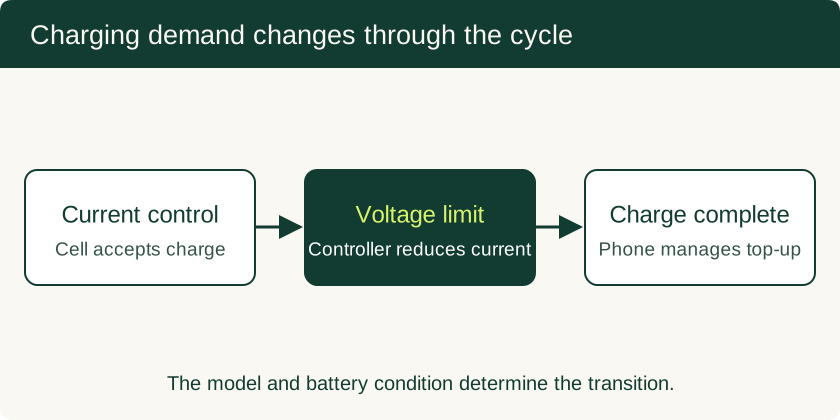
Lithium-ion charging controls current and voltage throughout the cycle. As the cell approaches its charging limit, the controller reduces current. Use the manufacturer’s expected behavior for the exact model rather than a universal battery-percentage boundary. Compare repeated tests at a similar state of charge; a nearly full battery is a poor test of maximum charging performance.
Step 3: Inspect the connector safely
Disconnect the cable and look for moisture, bent contacts, a damaged cable end or a plug that no longer seats securely. Follow the model’s cleaning instructions. Apple’s liquid-alert guidance specifically warns against inserting foreign objects into the connector and against external heat or compressed air. Avoid pouring solvent into an assembled phone.
USB-C uses configuration-channel contacts to establish attachment and power roles. A connection that behaves differently with the plug reversed warrants trying a second cable and professional inspection. It is a clue about the connection, not proof that one particular CC pin has failed. A failed attachment and a low-current but successful attachment are different conditions.
Step 4: Substitute a suitable cable
Use an undamaged cable rated for the phone maker’s charging requirements. Cable current rating, charging protocol and USB data speed are separate specifications. A cable marketed for high-speed data is not automatically the right cable for every proprietary fast-charging system.
Change only the cable, keeping the adapter and phone conditions similar. If charging improves reliably, replace the cable. Cable resistance produces a voltage drop that grows with current; diagnosing its exact resistance requires suitable measurements at both ends, not a phone app alone. The USB-IF power-delivery overview explains why power is negotiated between connected products.
Step 5: Match the adapter to the phone
Read the supported output profiles on the adapter and the manufacturer’s charging requirements. A higher maximum wattage does not compel the handset to accept more power. USB Power Delivery, PPS support where required, cable capability and proprietary protocols all affect compatibility. Test with the recommended adapter or a documented equivalent before concluding that the battery or charger IC is defective.
Step 6: Compare temperature and workload
Pause gaming, navigation, hotspot use and other demanding tasks; move the phone out of direct sunlight and let it cool naturally. Follow any on-screen charging hold or temperature warning. Do not refrigerate a hot phone or defeat its thermal protection.
AOSP’s thermal documentation describes severity states and manufacturer-defined thermal policies. Its status levels are not a universal mapping from a battery temperature to a charging-current percentage. Record the actual warning and whether charging recovers after cooling.
When to seek repair
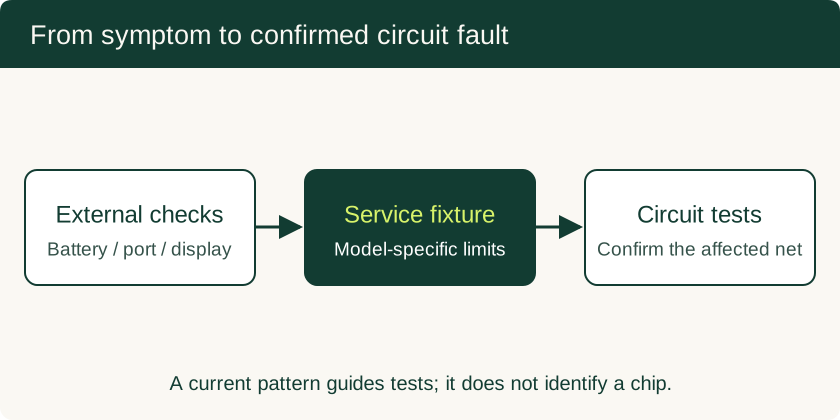
If the symptom persists with compatible known-good accessories, record the phone model, software version, battery level, charging message and substitutions tried. A service technician can then inspect the port assembly, battery and charging circuitry in the order appropriate to that model. Read phone motherboard repair and data recovery before authorizing board replacement, especially if important files exist only on the handset.
Related Technical Guides
Phone Motherboard Repair: PMIC Diagnosis, BGA Rework and Data Recovery
Understand how technicians narrow down board faults, what BGA rework involves, and which repair decisions preserve the chance of local data recovery.
Read technical guide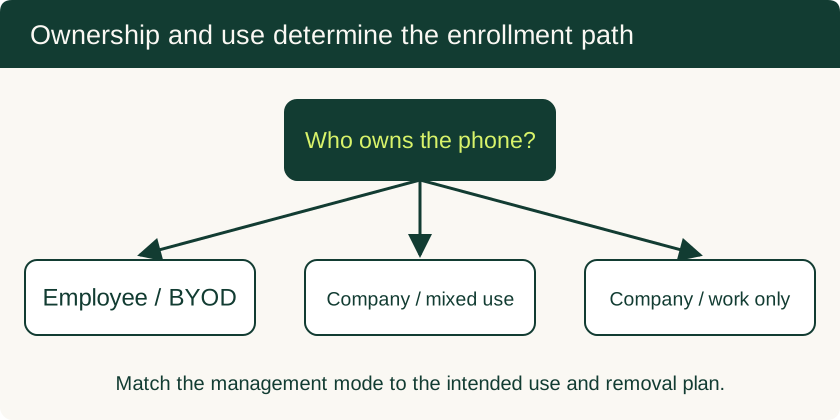
Mobile Device Management for Small Business: BYOD and Company-Owned Setup
Compare enrollment choices, evaluate MDM costs and controls, pilot deployment and test removal of work data before a wider rollout.
Read technical guide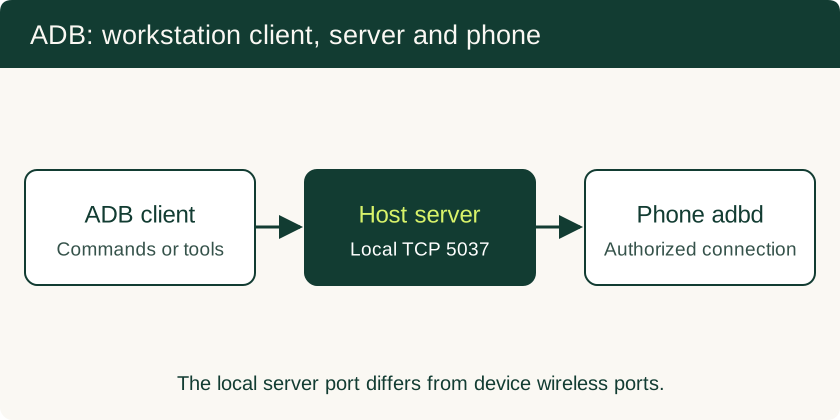
USB Debugging on Android: ADB Authorization, Wireless Pairing and Safe Recovery
Set up trusted ADB connections, collect diagnostics, use scrcpy appropriately and remove workstation access after troubleshooting.
Read technical guide