Water-Resistance Rating Test Conditions vs Phone Water Damage: Gasket Aging, Barometric Vents, and LCI Diagnostics
Examine phone water damage through manufacturer immersion conditions, gasket wear, pressure vents, liquid-contact indicators, and connector alerts.
Assess a water-resistance rating alongside the exact handset specification, its history, and the liquid-exposure symptoms.
For iPhones covered by Apple’s water-resistance guidance, resistance might decrease as a result of normal wear. Apple’s liquid-contact indicator activates when it contacts water or a liquid containing water.
Use the checks below to organize a phone water damage assessment, then return to the smartphone hardware diagnostics guide for the wider troubleshooting workflow.
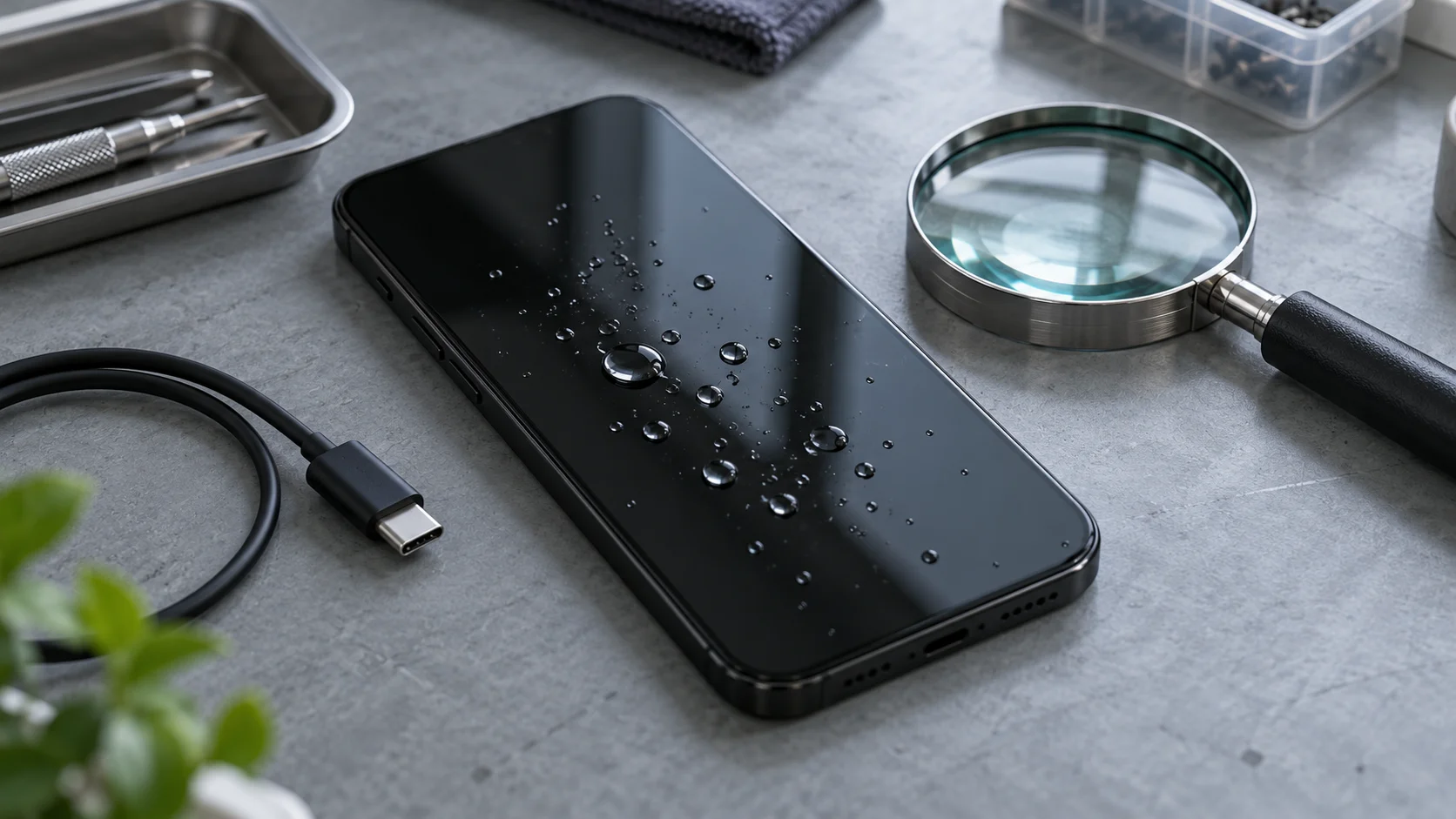
Read the test conditions before judging the exposure
Dust-tight enclosures to numeral 6 do not allow any dust to penetrate. The second characteristic numeral concerns harmful effects due to water ingress. Tests for the second characteristic numeral use fresh water.
For continuous-immersion testing, keep the following conditions together:
Unless a relevant product standard exists, test conditions are subject to agreement between manufacturer and user. Test conditions shall take account of continuous immersion in actual use.
Compare these manufacturer specifications before assigning a depth or duration to a handset:
| Handset | Published immersion conditions |
|---|---|
| iPhone 11 Pro | iPhone 11 Pro has a rating of IP68 under IEC standard 60529, with a maximum depth of 4 meters up to 30 minutes. |
| iPhone 11 | iPhone 11 has a rating of IP68 under IEC standard 60529, with a maximum depth of 2 meters up to 30 minutes. |
An enclosure designated with second characteristic numeral 7 or 8 only is considered unsuitable for exposure to water jets.
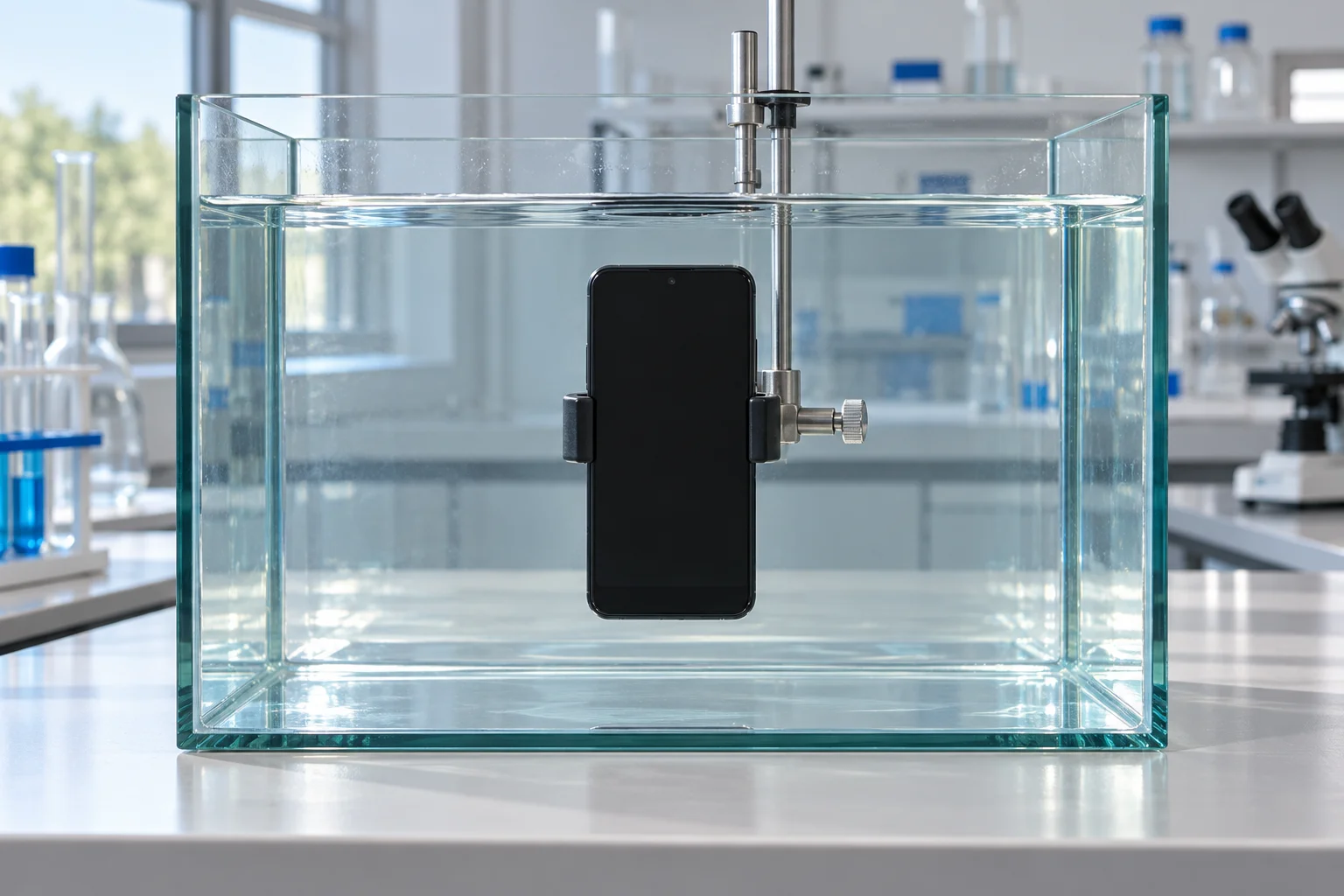
Gasket aging and barometric pressure vents
Separate the wear question from the pressure-management question when reviewing the handset history.
Galaxy phone water resistance may weaken over time or through natural wear and tear. Pressure differentials can weaken the gaskets and seals within a device. Pressure differentials can create transducer bias and compromise acoustic performance. Gore pressure vents help to equalize pressure fast.
Record prior repairs, opening, and damage in the inspection history. Keep any vent-component specification attached to its named component and design conditions when reviewing documentation.
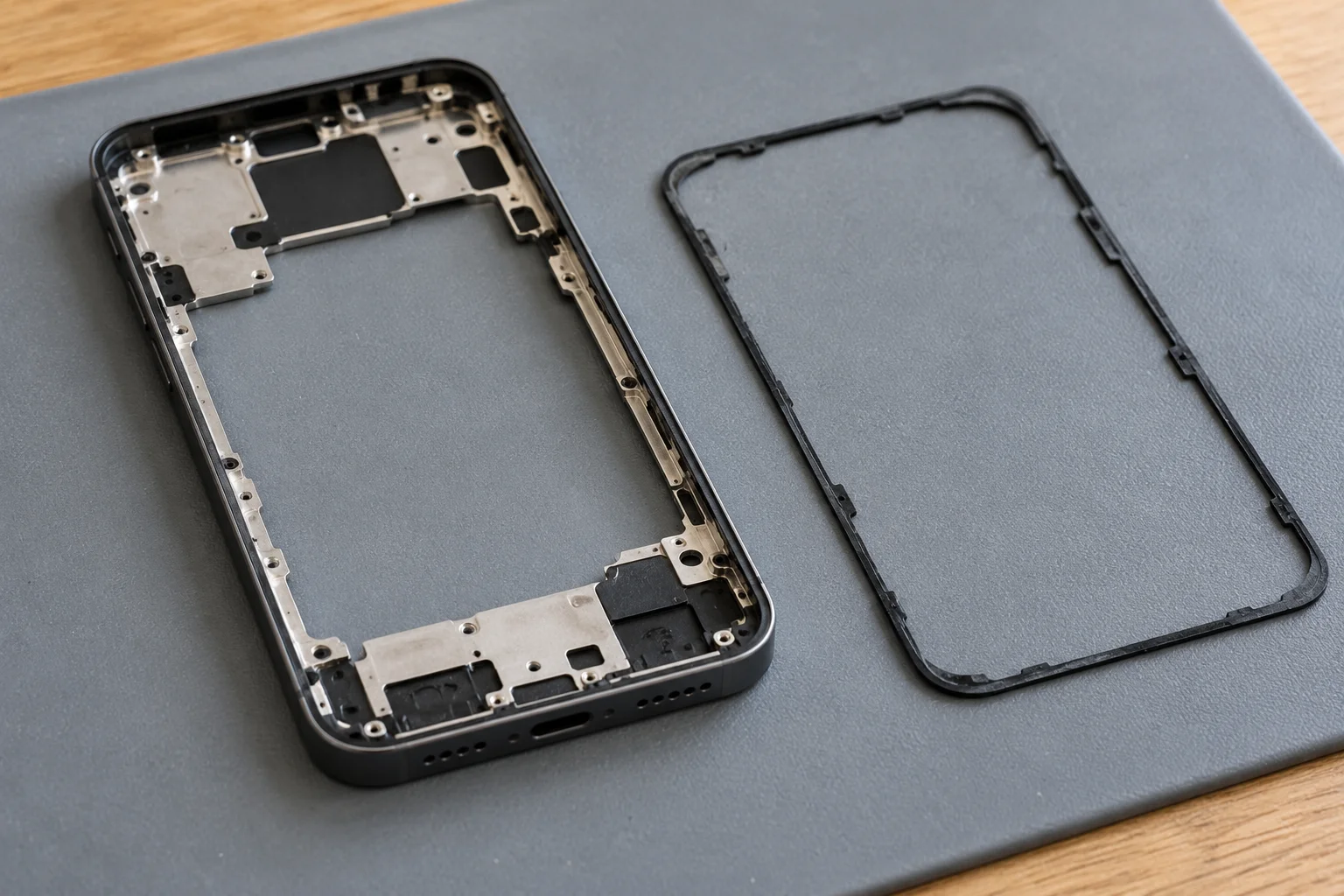
Read the liquid-contact indicator
Start with the indicator’s appearance and the conditions surrounding the inspection.
Apple’s liquid-contact indicator is normally white or silver. Apple’s liquid-contact indicator turns fully red when it contacts water or a liquid containing water. Apple’s liquid-contact indicator will not activate because of humidity and temperature changes that are within the product’s environmental requirements.
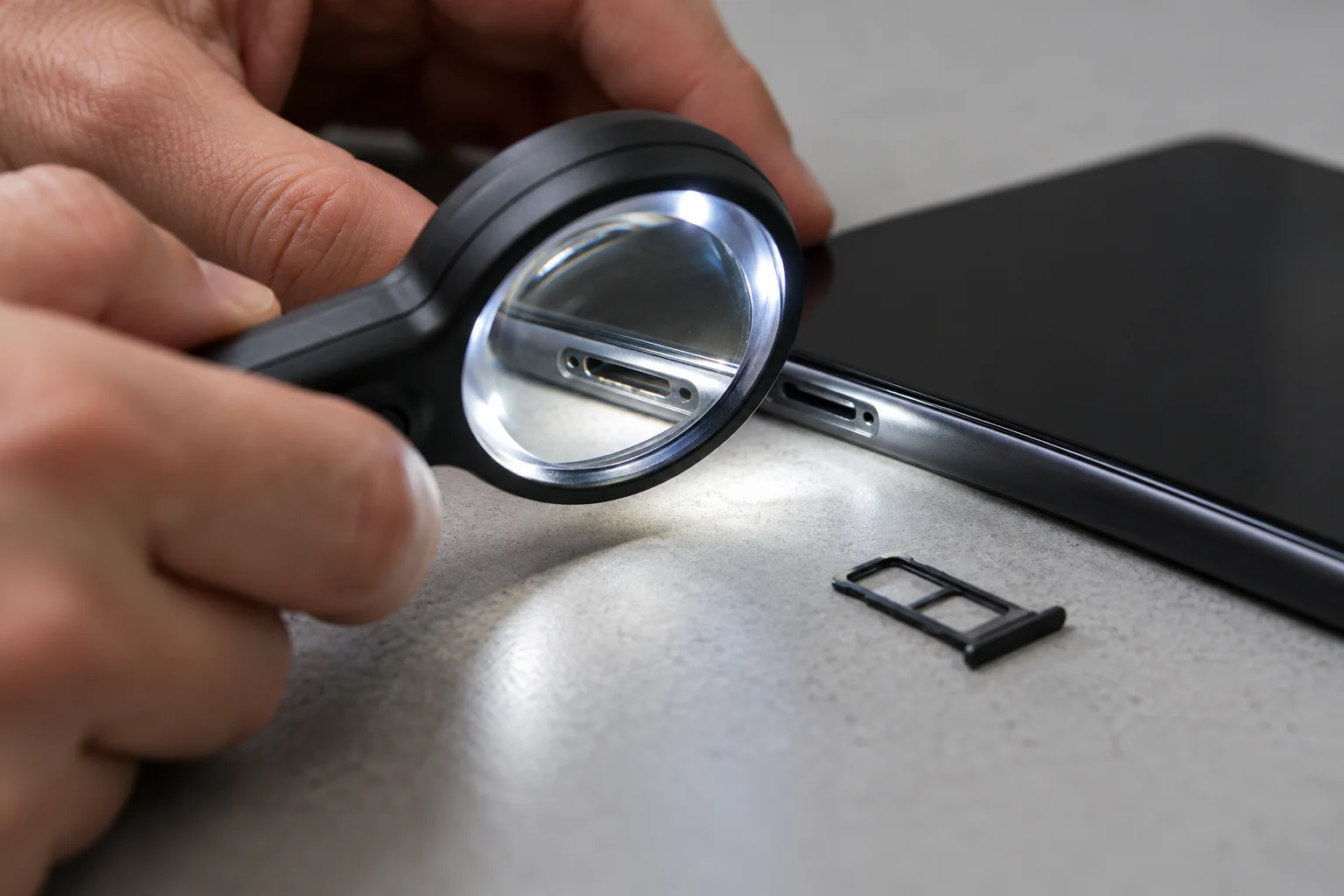
Apple calls for device inspection when liquid exposure remains an uncertain cause of an issue, even if a red LCI is visible. Record the observed color, the device symptoms, and the exposure history separately. Use those observations to frame the next diagnostic question.
Separate connector alerts from indicator inspection
An iPhone liquid-detection alert can concern the connector, cable, or accessory. During an iPhone liquid-detection alert, charging and accessory connection are unavailable until the connector, cable ends, and accessory are dry. Charging an iPhone with a wet connector can corrode connector or cable pins.
When the iPhone and accessory are not wet, consider the cable-specific pattern:
If the alert appears every time a certain cable or accessory is connected, that cable or accessory might be damaged.
Include audio symptoms in the inspection record:
On iPhone, water in the port might degrade speaker or microphone performance until it completely evaporates.
Follow the drying guidance for the situation
After general liquid exposure
If your iPhone has been exposed to liquid, unplug all cables and do not charge your device until it’s completely dry. Allow at least 5 hours before charging with a Lightning or USB-C cable or connecting an accessory.
During the connector-alert drying workflow
After at least 30 minutes, try charging with a Lightning or USB-C cable or connecting an accessory. If the iPhone connector alert recurs, it might take up to 24 hours to fully dry. Follow the general liquid-exposure instructions above when assessing a soaked handset. Keep the connector-alert retry step within its own workflow.
Do not dry your iPhone using an external heat source or compressed air. Do not put your iPhone in a bag of rice: doing so could allow small particles of rice to damage your iPhone.
Prepare the diagnostic handoff
Bring the assessment back to the specific handset. Record:
- The exact model and its published immersion conditions.
- The liquid involved and the exposure history.
- Previous opening, repair, or damage.
- The observed indicator color and any connector alert.
- Whether an alert follows a particular cable or accessory.
- Charging and audio symptoms, plus drying actions already taken.
Continue with the hardware diagnostics overview to organize the next checks. For board-level fault isolation, use the phone motherboard repair guide.
Sources
- SABS / IEC — Degrees of protection provided by enclosures (IP Code).
- Apple — About splash, water, and dust resistance of iPhone.
- Samsung UK — Galaxy Phone Water Resistance.
- Gore — Pressure Vents for Portable Electronics.
- Apple — Water and other liquid damage to iPhone or iPod.
- Apple — If you see a liquid-detection alert on your iPhone.
Related Technical Guides
OLED vs LCD Phone Screen Replacement: Panel Bonding, Digitizer Separation, and Repair Cost Drivers
Compare OLED and LCD display layer stacks, isolate outer glass cracks from internal panel or digitizer faults, and evaluate replacement assembly trade-offs.
Read technical guide
Phone Battery Health and Cycle Count Diagnostics: Coulomb Counter Drift, Internal Resistance, and 80% Cutoff
Phone battery health is a capacity ratio. Read cycle count, fuel-gauge drift, and resistance shutdowns before an 80% capacity cutoff.
Read technical guide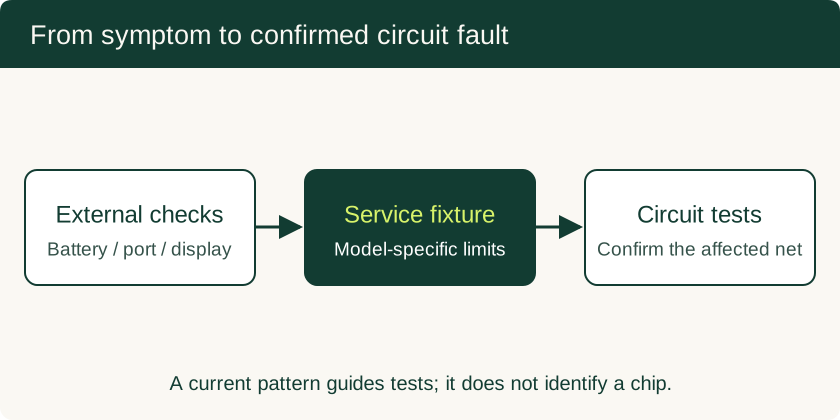
Phone Motherboard Repair: PMIC Diagnosis, BGA Rework and Data Recovery
Understand how technicians narrow down board faults, what BGA rework involves, and which repair decisions preserve the chance of local data recovery.
Read technical guide