USB-C PD (USB Power Delivery) Fixed PDO vs PPS Profiles, E-Marker Cables, and Hub Pass-Through
How USB-C PD (USB Power Delivery) negotiates Fixed Supply PDO, PPS, and AVS profiles, e-Marker cable limits, and multiport hub pass-through power reserves.
The USB Type-C connector has 24 pins in a mirrored configuration with 6 differential pairs in a full-featured cable assembly plus 4 new pins: CC1, CC2, SBU1, and SBU2. The basic USB Type-C current capabilities are Default USB (500mA for USB2.0 and 900mA for USB3.0), 1.5A@5V, and 3A@5V. USB Power Delivery realizes communication between power supplies and devices as defined by the international standard IEC 63002. Review the protocol rules below alongside the mobile-to-PC connectivity guide when building a shared workstation for handsets and laptops.
Fixed Supply PDO (Fixed PDO) refers to fixed voltage output mode, whereas Augmented PDO (APDO) means output voltage adjusts within a range under PPS mode. Samsung's Super Fast Charging requires both USB-PD 3.0 and Programmable Power Supply (PPS); without PPS, charging tops out around 25 W even on a 45 W brick. If a cable cannot be identified via e-Marker as a 100W (5A) or EPR compatible cable, maximum current is limited to 3A, capping supplied power at 60W even on a 100W to 240W source.
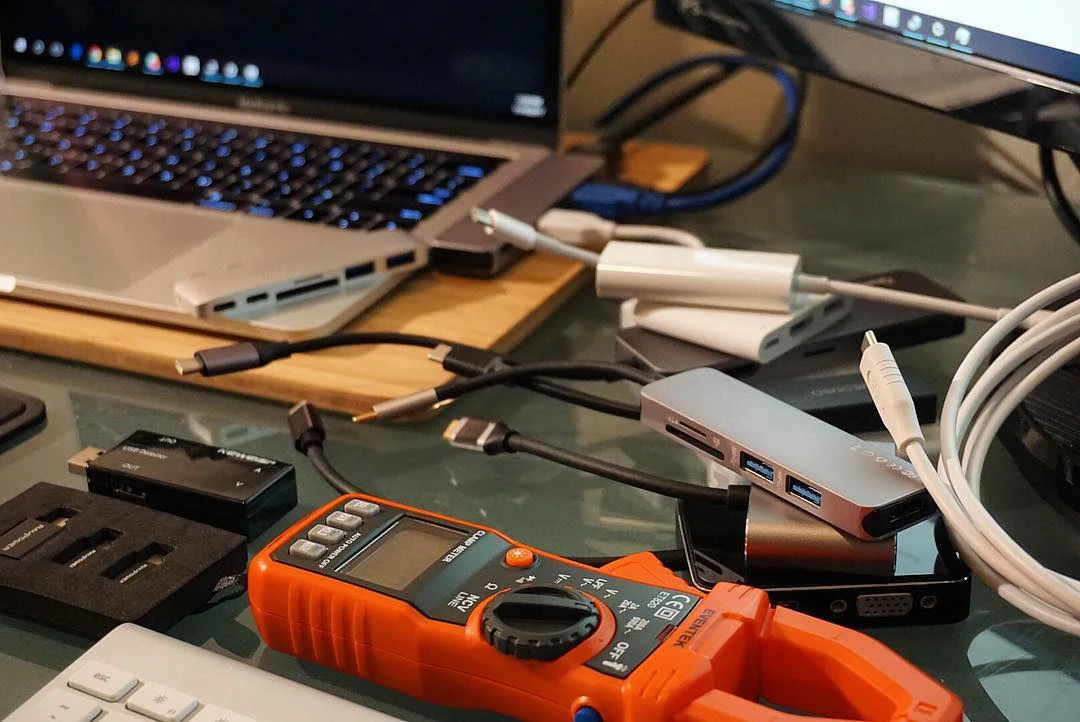
USB-C PD Specification Tiers: Fixed PDO, PPS, and AVS Profiles
Released in 2012, the USB-IF USB Power Delivery Specification Version 1.0 increased power supply capacity to a maximum of 100W (20V 5A). The USB Power Delivery (USB PD) Revision 3.1 specification enables delivering up to 240W of power over the USB Type-C cable and connector. Prior to this update, USB PD was limited to 100W using 20V on USB Type-C cables rated at 5A, while USB Type-C Release 2.1 defines 240W cable requirements. USB PD 3.0 allowed up to 100W (20V, 5A) in Standard Power Range (SPR), while USB PD 3.1 increases the power range to 240W (48V, 5A) in Extended Power Range (EPR).
| Specification Tier | Published Voltage, Current, and Cable Scope |
|---|---|
| SPR and EPR Fixed Voltage Boundaries | USB PD 3.1 defines three new fixed voltages: 28V (above 100W), 36V (above 140W), and 48V (above 180W), joining the previously defined 5V, 9V, 15V, and 20V fixed voltages. |
| EPR Fixed Voltage Power Ceilings | In USB Power Delivery, the new 28V, 36V, and 48V fixed voltages enable power levels up to 140W, 180W, and 240W, respectively. |
| SPR and EPR Current and Cable Tiers | In SPR, 3A at 5V, 9V, 15V, and 20V covers 15W-60W, while 5A at 20V covers >60W-100W (requiring a 5A cable), and EPR 5A at 28V, 36V, and 48V covers >100W-240W. |
| Normative 15W and 45W Adapter Rails | An AC adapter with a power supply capability of 15W is guaranteed to supply up to 3A at 5V, while a 45W AC adapter can always supply up to 3A at 5V, 3A at 9V, and 3A at 15V. |
| Normative 50W Source Rail Combination | A USB PD Source indicated as 50W supplies 5V, 9V, 15V, or 20V as normative voltages, delivering 3A@5V, 3A@9V, 3A@15V, and 2.5A@20V. |
| 36W PPS Source Capabilities Structure | A 36W product supporting PPS must include Fixed PDOs of 5V@3A, 9V@3A, and 15V@2.4A alongside APDOs of 3V ~ 11V (9V Prog)@3A and 3.3~16V (15V Prog)@2.4A. |
In USB PD 3.0 optional PPS mode, voltage can be adjusted by 20 mV/step across a voltage range of 3.3 V to 21 V to output large currents at lower voltages. PPS (Programmable Power Supply) is an optional feature of USB-PD that allows a source to change voltage in 20mV steps and current in 50mA steps in the range from 5V to 21V. PPS has a 20mV step-size window and can directly charge a battery by bypassing the battery charger in a connected device, unlike steady-voltage AVS.
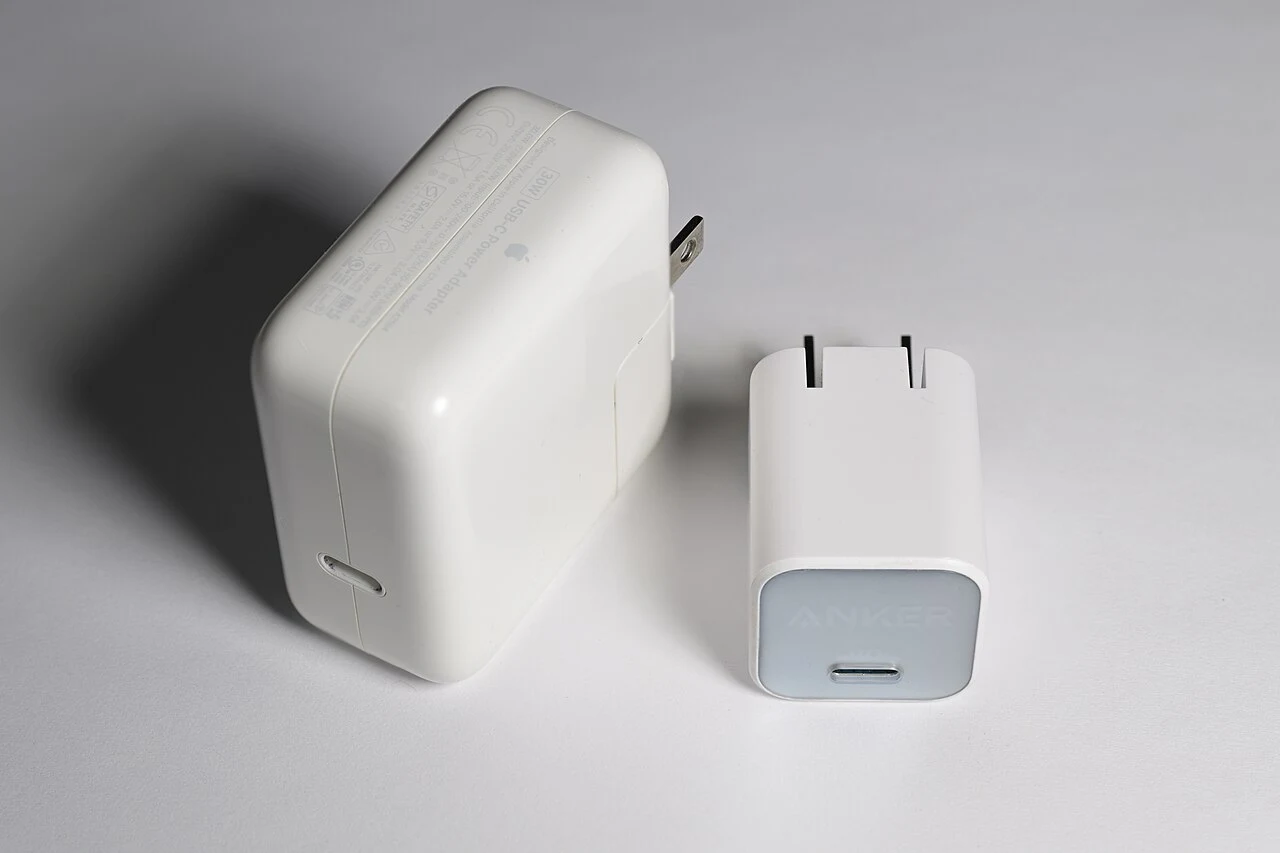
Within EPR mode, Adjustable Voltage Supply (AVS) enables the sink to fine-tune voltage between 15V and 48V in steps of 100mV for improved thermal efficiency. AVS (Adjustable Voltage Supply) allows the output voltage to be changed in 100mV steps in the range from 9V to 48V as a simpler variable voltage source than PPS.
Why a Laptop PD Charger Can Limit a Fast-Charging Phone
Compare the published handset adapter and cable requirements below before assuming a charger fault:
| Handset Family | Published Fast-Charging Adapter and Cable Requirements |
|---|---|
| Samsung Super Fast Charging | Delivering full 45W speeds on Samsung’s 45W PPS standard requires a charger that supports PPS paired with a certified 5A USB-C cable. |
| Samsung Galaxy S25 | On a Galaxy S25, 45 W Power Delivery support with Samsung Super Fast Charging charges the battery from 0 % to roughly 50 % in about 20 minutes. |
| Google Pixel General Adapter Tiers | Google Pixel phones support a Google 30W, 45W, or 67W USB-C Fast Charger, any Programmable Power Supply (PPS) adapter rated for 30W or more, or other USB Power Delivery (PD) adapters rated for 15W or more. |
| Google Pixel 9 Pro XL, Pixel 10, and Pixel 11 Series | The Pixel 9 Pro XL, Pixel 10, Pixel 10 Pro, Pixel 10 Pro XL, Pixel 10 Pro Fold, Pixel 11, Pixel 11 Pro, Pixel 11 Pro XL, and Pixel 11 Pro Fold can charge up to 30W or more. |
| Apple iPhone 18 Pro and iPhone Duo Adapter Spec | Fast charging iPhone 18 Pro uses the Apple 40W Dynamic Power Adapter with 60W Max or a comparable 60W-capable adapter that uses Adjustable Voltage Supply (AVS) and supports USB-PD 3.2. |
| Apple iPhone 18 Pro, 18 Pro Max, and iPhone Duo Charge Time | iPhone 18 Pro and iPhone 18 Pro Max fast charge up to 50 percent battery in around 15 minutes, while iPhone Duo fast charges up to 50 percent battery in around 20 minutes. |
| Apple iPhone 17 Series and iPhone Air Charge Time | iPhone 17, iPhone 17 Pro, and iPhone 17 Pro Max fast charge to 50 percent in around 20 minutes with a 40W adapter, while iPhone 17e and iPhone Air take around 30 minutes with a 20W adapter. |
iPhone 15 and later can charge small devices supporting USB Power Delivery at up to 4.5 watts, while Pro models support USB 3.2 Gen 2 speeds up to 10Gbit per second with an optional USB 3 cable. When a handset charges slowly even with a matching adapter and cable, follow the slow phone charging and thermal throttling diagnostic guide to separate battery state-of-charge taper and temperature limits from hardware faults.
E-Marker Cable Discovery and Passive Cable Current Limits
A passive USB Type-C cable has no embedded powered electronics, minimally supports USB2.0, and supports USB Power Delivery up to 60W of power. According to the USB PD specification rules, if any USB Type-C cable supports SuperSpeed data or a current greater than 3A, it must contain an e-Marker. A USB PD Source sends a Discover ID Request in the form of SOP’ and reads the cable capabilities from the Discover ID ACK returned by the cable’s e-Marker. An electronically marked cable communicates via USB PD 2.0 BMC protocol, draws up to 70mW from VCONN or VBUS, and is required for any cable exceeding 60W (such as a 100W PD cable).
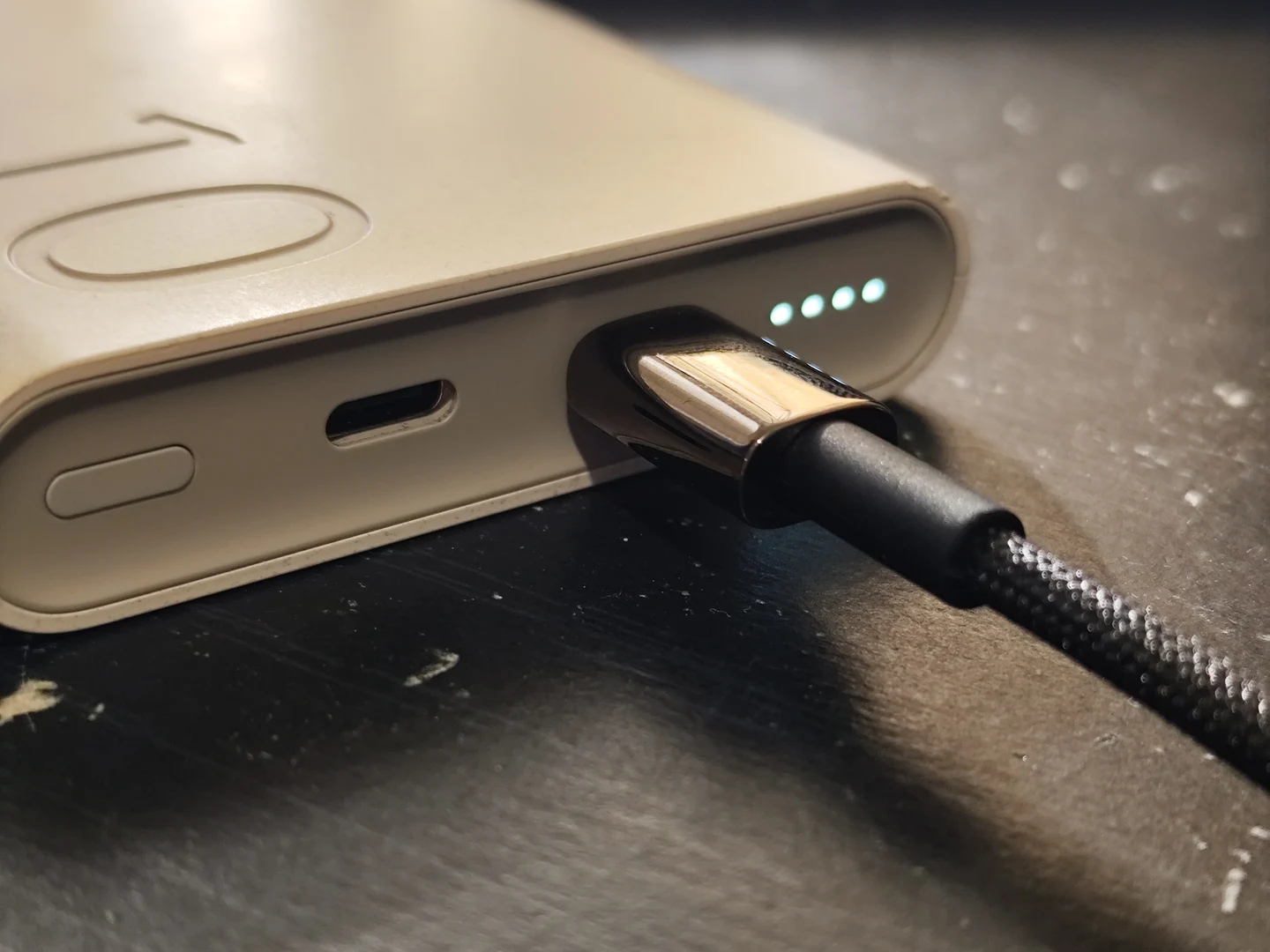
Only devices providing VCONN to the cable can communicate with its e-Marker; in alternate mode or USB4, a DFP not supplying VCONN must use VCONN Role Swap before accessing the e-Marker. USB3.1 Type-C cable assemblies are allocated -6 dB loss at 5GHz (limiting length to 1 meter), while USB3.0 Type-C cables are allocated -7 dB loss at 5GHz (limiting length to 2 meters).
USB-C Hub Pass-Through Reserves and Multiport Reset Behavior
Compare the published pass-through power splits and port capabilities across the multiport accessories below:
| Hub or Multiport Accessory | Published Pass-Through Power Split and Port Capabilities |
|---|---|
| Anker 555 USB-C Hub | The Anker 555 USB-C Hub (8-in-1) costs $49.99 and provides a 4K@60Hz HDMI port, 100W pass-through charging delivering 85W to the laptop, and 10 Gbps USB-A and USB-C data ports. |
| Anker 565 USB-C Hub | The Anker 565 USB-C Hub (11-in-1) ($69.99) provides HDMI and DisplayPort for dual 2K@60Hz monitors on DP 1.4 Windows hosts, 100W PD input with 85W to the host, and 104 MB/s card readers. |
| Anker Desktop USB-C Hub | The Anker Desktop USB-C Hub supports 4K@144Hz or dual 2K@240Hz via HDMI 2.1 and DisplayPort 1.4, peaks at 100W PD input with up to 80W reaching the host, and has a 2-inch TFT smart display. |
| Anker 140W Multi-Port GaN Charger | As devices connect or disconnect, the Anker 140W 4-Port PD 3.1 charger adjusts output to combinations such as 70W + 70W (two laptops), 100W + 40W (laptop + phone), 65W + 45W + 30W (three devices), or up to 134W across four devices. |
| Anker 140W Split Cable | The Anker 140W 2-in-1 USB-C to USB-C Cable supports up to 140W under USB-C PD 3.1 for one device, and divides power into combinations like 112W + 18W, 65W + 27W, or 50W + 50W when two devices are plugged in. |
Most hubs operate safely up to around 122°F (50°C) when fully loaded, while USB 3.0 and faster data signals emit noise in the 2.4 GHz band that can interfere with older Wi-Fi. DisplayPort over USB-C supports 4K @60Hz 24-bit color (without compression) with simultaneous USB 3.1, or 5K (5120 x 2880) display support without compression with simultaneous USB 2.0. When an external display stays blank through a hub, check handset video compatibility in the USB-C to HDMI adapter compatibility guide.
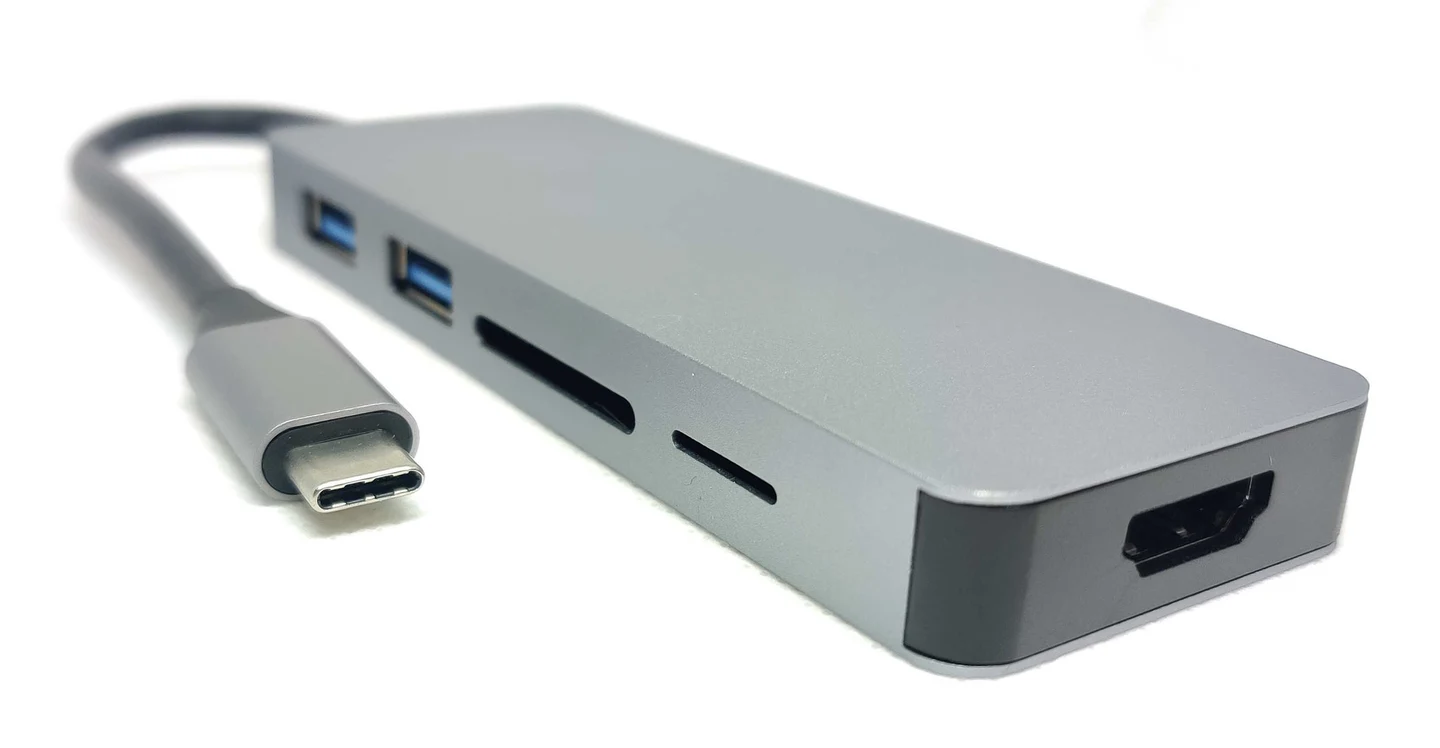
A Soft Reset resets the Protocol Layer without affecting the agreed Voltage and Current, whereas after a Data Reset, devices at both ends exit Alternate Mode. During a USB PD Hard Reset, all PD protocols except the Power role are restarted, and the Source temporarily turns off VBUS voltage to 0V before turning it back on to 5V. To keep active debugging bridges stable during workstation power events, pair hub role management with the practices in the Android USB debugging authorization guide.
Pre-Deployment Checklist for Chargers, Cables, and Docks
Work through this sequence when assembling or troubleshooting a shared charging and docking station:
- Match the voltage regulation mode to the handset. Check whether the target phone requires Fixed Supply PDO rails, Programmable Power Supply, or Adjustable Voltage Supply before selecting the wall adapter.
- Verify electronic cable marking for high-current paths. Confirm that the cable contains an active marker chip whenever the charging contract or pass-through path requires current above the passive cable ceiling.
- Account for internal hub power deductions. Subtract the multiport hub’s internal operating reserve from the wall charger’s input capacity when sizing power delivery for a connected laptop or handset.
- Isolate multiport reset interruptions. Avoid plugging secondary charging loads into a shared multiport supply during active video projection or debugging sessions unless the hub and host maintain uninterrupted role swapping.
- Separate data lane allocation from charging contracts. Confirm cable attenuation limits and alternate-mode pin assignments independently from power delivery wattage, then return to the mobile-to-PC connectivity overview to verify the complete workstation pipeline.
Sources
- Granite River Labs — Power Delivery Origin and Specification.
- USB Implementers Forum — USB Power Delivery Specification and USB Charger Overview.
- Texas Instruments — USB Type-C and USB Power Delivery Technical Article.
- Renesas Electronics — Engineer School USB Power Delivery Series.
- Microchip Technology — Introduction to USB Type-C Application Note.
- VESA DisplayPort — DisplayPort Over USB-C Technical Overview.
- Apple Support — Fast Charge Your iPhone and USB-C Connector Guidance.
- Google Pixel Help — Charge Your Pixel Phone.
- Anker Technical Guides — USB-C Fast Charging, Hubs, Multiport GaN Chargers, and Cables.
Related Technical Guides
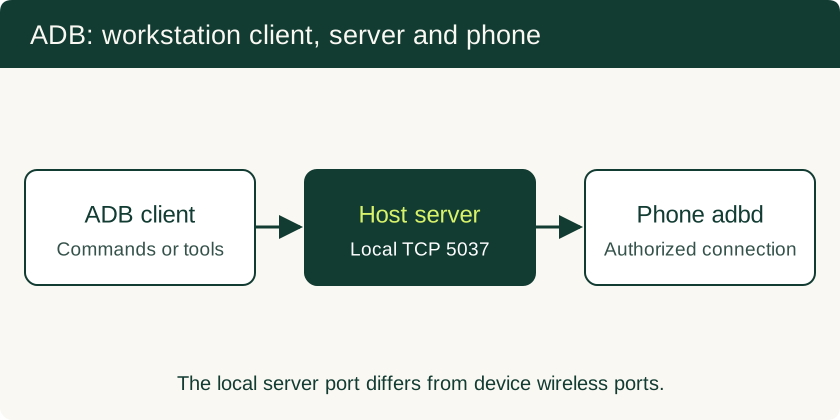
USB Debugging on Android: ADB Authorization, Wireless Pairing and Safe Recovery
Set up trusted ADB connections, collect diagnostics, use scrcpy appropriately and remove workstation access after troubleshooting.
Read technical guide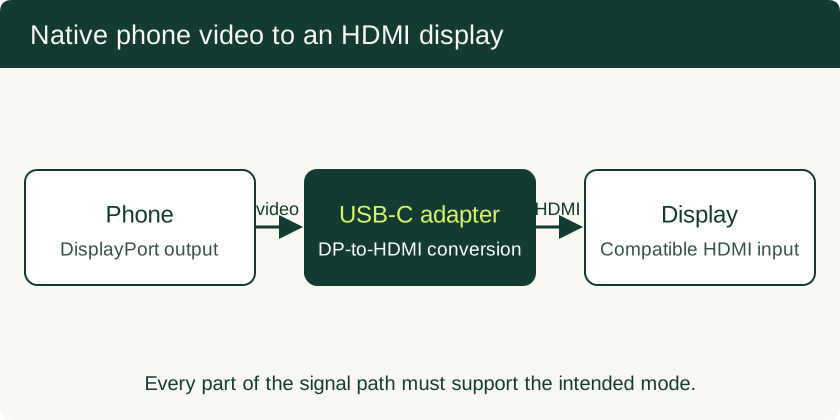
USB-C to HDMI Adapter for Phone: Compatibility and Black-Screen Checks
Check native video support separately from USB data speed, choose the right adapter, and understand powered docks and DisplayLink alternatives.
Read technical guide
eSIM vs Physical SIM for Enterprise Phone Fleets: SM-DP+ Remote Provisioning, Dual-SIM Failover, and Device Swap
Compare eSIM and physical SIM architecture, SM-DP+ remote provisioning, MDM anti-tamper policies, Dual-SIM Dual-Standby routing, and broken-phone swap workflows.
Read technical guide