Android Work Profile: Privacy and Setup
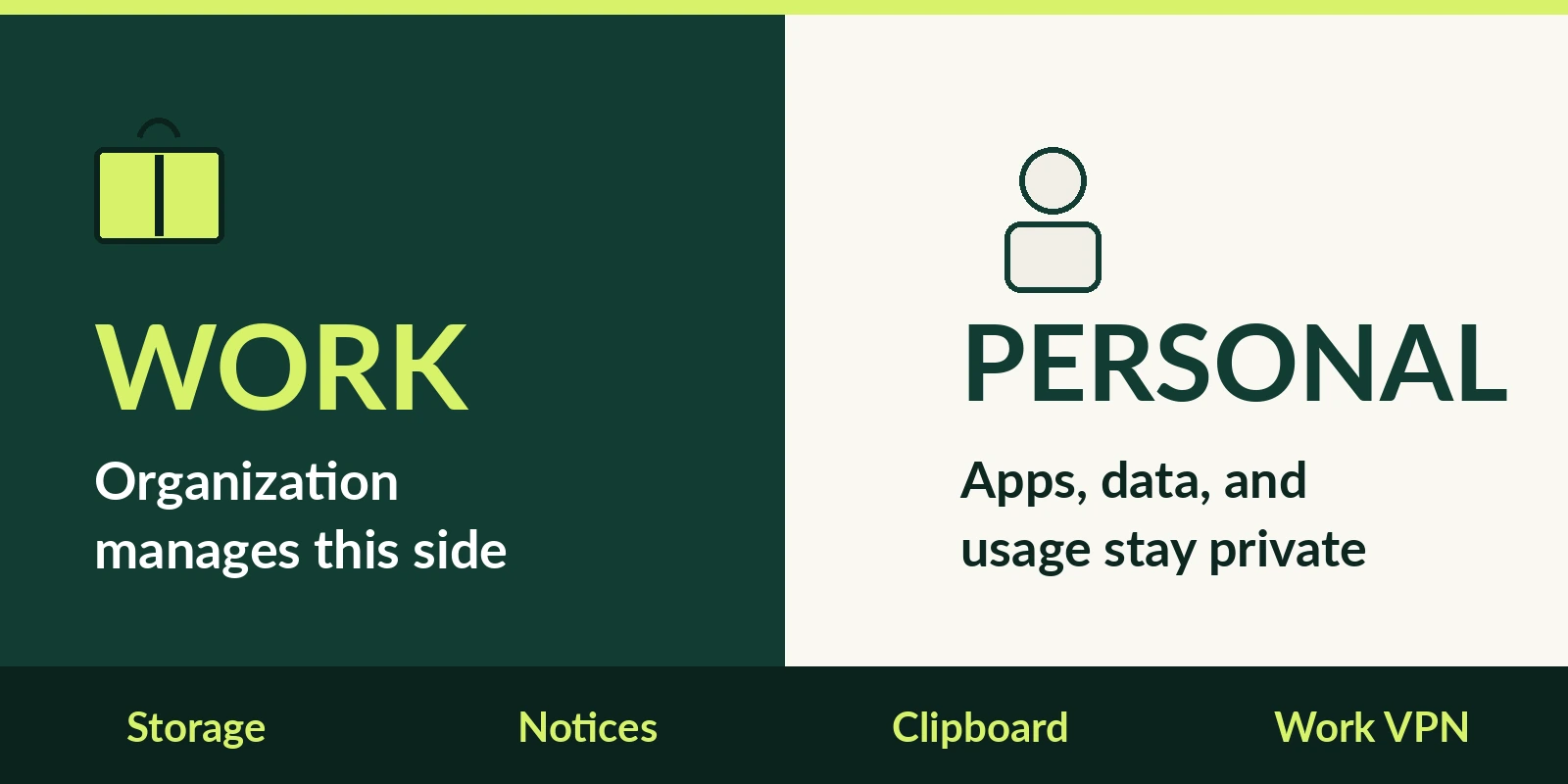
Android Work Profile separates work apps and data from personal apps and data. Personal usage stays private while the organization manages the work side.
Android Work Profile can be set up on an Android device to separate work apps and data from personal apps and data. With a Work Profile you can securely and privately use the same device for work and personal purposes—your organization manages your work apps and data while your personal apps, data, and usage remain private.
Android Enterprise Help applies that description to Android 5 or later devices.
On a personal device the device policy controller is limited to the work profile. Lock-screen and encryption settings are the device-scoped exceptions. A company-owned setup can add policies on the personal profile and on device behavior.
What is a work profile on Android
A work profile is a managed profile with separate app data from the primary user profile, and it shares some system-wide settings such as Wi-Fi and Bluetooth. It is a segregated and secure container for managed data. The administrator has full control over the scope, ingress, egress, and lifetime of that data.
Work apps are marked with a briefcase icon so they can be distinguished from personal apps. Apps, notifications, and widgets from the work profile are badged and are typically shown with the primary user interface.
Work profiles are secondary users. Apps in the work profile use a UID of 100000 times the user id plus the app id, and app data is separate under data/user/userid. The same app in the primary user and the work profile has segregated data. Those instances generally cannot communicate across the profile boundary unless they hold the INTERACT_ACROSS_PROFILES permission or App-ops.
Work-profile accounts are unique from the primary user, and credentials cannot be accessed across the profile boundary. A file URI that is valid on one profile is not valid on the other profile. A URI permission granted with grantUriPermission applies only to that app in the same profile. Cross-profile file access has to travel in an Intent. If the work profile is encrypted, its data is not available to the personal profile.
Work Profile apps cannot access SMS or MMS data from the personal profile on Android 11+.
Settings enforcement is scoped to the work profile, except lock screen and encryption settings, which are shared with the primary user at device scope. Aside from those exceptions, a profile owner does not have device admin privileges outside the work profile. The DPC is the profile owner and is typically an EMM app. The EMM controls the work profile, not the personal space, with exceptions such as the lock screen.
On personal devices with a work profile, Android 12 or higher removes access to IMEI, MEID, and serial number and provides an enrollment-specific ID. That enrollment-specific ID remains stable across factory resets.
The encyclopedia defines mobile device management as administration of mobile devices such as smartphones, tablets, and laptops, usually with a third-party product. Enterprise mobility management, unlike MDM alone, includes mobile information management, BYOD, mobile application management, and mobile content management.
What can the organization see
If the device has a Work Profile, the organization can view and manage work apps and data. Personal apps, data, and usage details are not visible or accessible to the organization.
Adding a Work Profile to a personal device makes some device details visible to the organization. On a personally owned Work Profile device, the phone number is one of those details. The organization can view network activity and location information from apps in the Work Profile. It can carry out some or all of the listed management actions, not necessarily every action. It can restrict what is shared across the work and personal profiles. On a personally owned device it can block screen captures and Circle to Search in the Work Profile.
Setup installs a device policy controller chosen by the organization. The app manages the Work Profile, shows terms, and the user must accept the license agreement.
A personal device with a work profile is a BYOD device whose work profile is managed by an IT admin associated with the employer. Android Work Profile is the management set for BYOD and for company-owned devices enabled for personal use. Full device management is the set for corporate-owned business-only devices. Dedicated device management is the set for corporate-owned single-use devices and can limit the device to a set of apps.
What changes on a company-owned device
Android 11 introduced work profiles on company-owned devices. Those devices might add installSystemUpdate, setScreenCaptureDisabled, and setPersonalAppsSuspended, which can extend policy beyond the work profile. A company-owned device with a work profile is provided or owned by the employer. Apps can call isOrganizationOwnedDeviceWithManagedProfile to detect that provisioning.
On a company-owned device the organization may manage settings such as time and date, language, and Wi-Fi, and may enforce messaging and browser defaults. The company-owned section also limits work-app visibility to network activity and location from apps in the Work Profile. It repeats that a Work Profile VPN does not route personal-profile app traffic.
On a company-owned device the organization can limit how long the Work Profile can be paused. It can disallow and uninstall specific apps in the personal profile. It can block screen captures and Circle to Search in the personal profile. It can configure factory-reset protection and factory-reset the device. It can block outgoing calls or SMS. It can block USB file transfers.
What Intune reports it can see
Intune enrollment help says the organization cannot see personal information when a device is enrolled, while device model and serial number are visible to administrators. Intune has a list of things the organization can never see. That list includes calling and web browsing history, email and text messages, contacts, passwords, and pictures in the photos app or camera roll.
Intune shows the full phone number on corporate-owned devices except Android devices with a work profile, which show the last four digits. A personal device also shows the last four digits. Intune can view a lost corporate-owned device location and cannot view a personal device location. On corporate-owned Android devices with a work profile, Intune can see only the apps installed in the work profile. On personal devices Intune can see the managed app inventory, and some configurations allow more than that inventory.
Intune says the profile separates work data from personal data and lives on a separate part of the device so personal things stay private. Intune says work apps carry a briefcase badge and personal apps do not. Intune corporate-owned work-profile devices are single-user devices for corporate and personal use. On that enrollment, personal data and applications remain private, and admins can control some settings for the entire device. Those controls include device password requirements, Bluetooth and data roaming, and factory-reset protection. Intune requires Android 8.0 and above for corporate-owned work-profile devices.
How clipboard, contacts, and connected apps cross
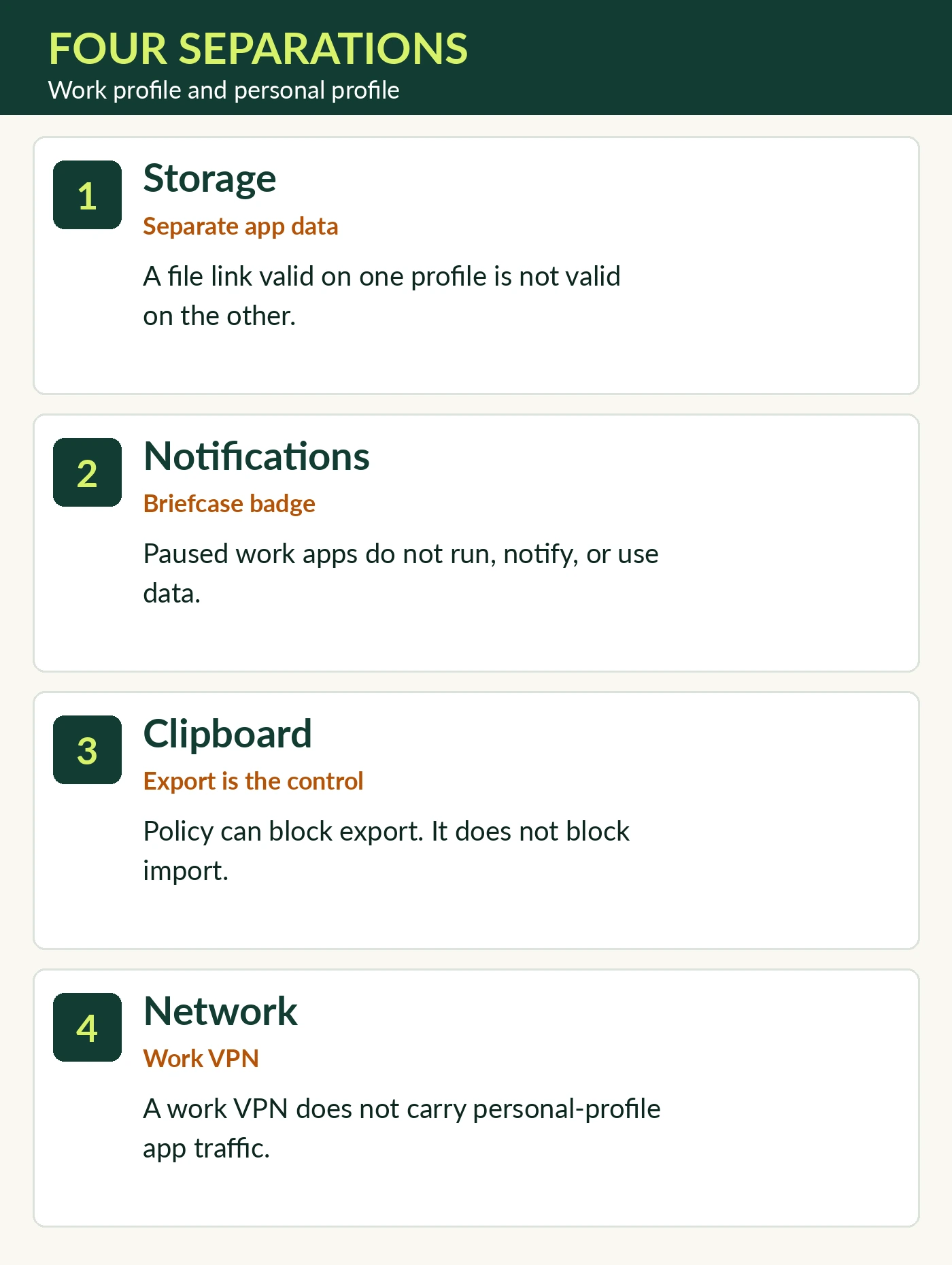
| Boundary | Personal profile | Work profile |
|---|---|---|
| Storage | Personal app data stays in the primary user | Work app data and file URIs stay in the work profile |
| Notifications | Personal notifications are separate from work badges | Work notifications stop while the profile is paused |
| Clipboard | Import from the other profile is not what the restriction blocks | Export into another profile is the restriction |
| Network | Personal-profile apps are outside a work VPN | A work VPN carries that profile’s traffic |
DISALLOW_CROSS_PROFILE_COPY_PASTE controls export of clipboard contents into other users or profiles. It does not prevent import from other profiles. The default value is false. The constant value is no_cross_profile_copy_paste. The Android developer note strongly recommends combining that restriction with setScreenCaptureDisabled, because screenshots can be read with optical character recognition.
Searching work contacts from the personal profile is enabled by default. The profile owner enables or disables that search with setCrossProfileContactsSearchDisabled.
Connected work and personal apps require Android 11.0 or later. If the organization allows it, an app installed in both profiles can share data with itself across the work and personal profiles. Enabled connected apps may share personal data with the employer or with other work apps. The list is under Settings, Apps, Special app access, Connected work and personal apps. Google Search may already be connected. The connect flow shows a permissions screen. Action Not Allowed means the organization has not permitted that app to connect across profiles. Turning off Connect these apps disables communication between the work app and the personal app.
The admin controls whether intents resolve inside or outside the work profile. By default, work-profile apps stay inside the work profile except for the Device Policy API. The Android system prevents intents from crossing profiles, and IT admins can enable or disable system apps.
Does a work VPN cover personal apps
A VPN configured in the Work Profile does not route traffic from apps in the personal profile. The VPN icon looking the same in both profiles does not mean all device traffic passes through the active VPN.
A VPN app connects networking for a user or a work profile. Each user or work profile can run a different VPN app. Device owners and profile owners can require that work apps always connect through a specified VPN, and the device starts that VPN at boot. An always-on VPN set by a device owner or a profile owner can force app traffic through a VPN. The DPC can send traffic from a work profile or a managed device through that VPN.
If the always-on VPN is in lockdown mode and the VPN disconnects, traffic cannot leak to the open Internet. If lockdownEnabled is false, network traffic may be unsecured from reboot until the VPN connects. In the documented always-on example, network traffic within the work profile or device goes through the VPN app, except the package installer. If a VPN app sets neither an allow list nor a disallow list, the system sends all network traffic through that VPN. That all-traffic result belongs to the user or profile that owns the VPN.
Why are work notifications missing
The pause help page applies to Android 7.0 or later. While the Work Profile is running, work apps can run and their notifications appear alongside personal notifications. Pausing the Work Profile temporarily disables work apps and notifications. When the Work Profile is paused, work apps do not run, do not generate notifications, and do not consume data and battery. Work apps and widgets cannot be opened until it is turned on again.
Gray work-app icons mean the work profile may be paused. When the work profile is disabled, work apps may be grayed out, or a work tab may say the work profile is off. On the Work tab, the switch off means paused and the switch on means running. The Quick Settings work tile is paused when dimmed and running when illuminated. Users can toggle the work profile from settings or Quick Settings. Android 9 or higher may put the toggle in the work-tab footer.
The schedule control is Work apps schedule, toggled as Schedule work apps. Work Profile scheduling does not keep work apps paused continuously across consecutive days, such as a weekend. On a company-owned device the IT admin can limit how long the Work Profile stays paused. Past that limit, access to personal apps and data may be suspended until the Work Profile is back on.
Intune describes pause as turning the work profile off by disabling work apps and work notifications. Intune says the pause control is on Android 7 and later and is commonly found in quick settings, Settings, or the app drawer.
Lock-screen display is a separate notification setting. The lock-screen notification help page applies to Android 7.0 Nougat and later. Hide sensitive work notification content still shows a work notification on the lock screen, with private details hidden. Show all work notification content shows the work notification and its details on the lock screen. On earlier Android versions the lock screen can be set to show no work notifications, which then appear after unlock. The sensitive-content choice is under Settings, Notifications, Sensitive work profile notifications.
Where are Android Work Profile settings
Work Profile settings are under Settings, Passwords and accounts, on a work tab, and are searchable in main Settings on Android 14 or later. Some of the work-app steps on the definition page work only on Android 9 and up.
How do you set up an Android Work Profile
If the organization supports enrollment, the IT admin provides the instructions for adding a Work Profile. With Google Workspace or Cloud Identity, a Work Profile is set up by adding the managed Google account. Without Google Workspace or Cloud Identity, the user downloads the organization’s EMM app from the Google Play Store and starts enrollment.
Any app in the primary user can create a work profile, and the user is notified of behaviors and policy enforcement before creation. ACTION_PROVISION_MANAGED_PROFILE is supported only for DPC-first work-profile provisioning, after the user downloads the DPC. Managed provisioning creates the managed profile. After provisioning, the EMM adds accounts and policies and calls setProfileEnabled before launcher icons are visible. Profile-owner provisioning leaves the user with both a work profile and a personal profile.
A device can have only one active Work Profile. Another email account can be added inside it if the IT admin allows it. Managed Google Play accounts, created with an EMM, are what distribute apps to Work Profiles.
Android Enterprise is the built-in enterprise feature set in Android from Android 5.0 or later, typically used through an EMM console. Those built-in enterprise features are accessible without any additional costs from Google. Work Profile is supported on devices with 2GB or more of RAM, on personally owned devices running Android 5.0 or later, and on company-owned devices running Android 8.0 or later. A Work Profile is a self-contained profile for work apps and data. Users keep privacy over personal apps, data, and usage. Company-owned setup can add policies on the personal profile and on device behavior.
Organizations should migrate from the Device Admin API to Android Enterprise through an EMM. The Device Admin API was discontinued.
The small-business MDM guide pilots Work Profile by following the selected enrollment and checking briefcase badges. It says to avoid a full-device erase by mistake so personal data remains on the personal-device workflow.
Can you create a work profile without an enterprise server
The documented test of the work-profile user experience uses the Test DPC app. The work-profile app test installs Test DPC from the Google Play Store and starts from the launcher icon Set up Test DPC. Android creates the work profile and installs a work-badged copy of Test DPC, which is then used to set policies in the work profile. Test DPC sets EMM policies or managed configurations as if an organization managed the device with an EMM. The TestDPC example is finished when badged icons appear in the launcher.
The BYOD test can start from a factory-reset device after personal setup, or from a device that already has a personal profile. The fully managed Test DPC path confirms there is no other user and no work profile on the device. It also confirms there are no accounts on the device. AOSP device-owner testing starts by factory-resetting the target device and requires the device to contain no user accounts. The fully managed test then runs adb shell dpm set-device-owner for the Test DPC receiver com.afwsamples.testdpc.DeviceAdminReceiver. That device-owner command is not the BYOD work-profile setup.
Does a work profile add a company phone number
A Work Profile alone does not provision a corporate phone number. The enterprise mobile security page states that limit, and so does the eSIM versus physical SIM guide. For BYOD devices the user activates the eSIM and can delete the eSIM at any time.
How does lock task mode differ
Lock task mode is an immersive kiosk-like mode. Users typically cannot see notifications, open non-allowlisted apps, or return to the home screen unless home is allowlisted. Lock task mode is not the work-profile container.
How do you remove an Android Work Profile
A person can delete the Work Profile only if they personally own the device or the organization relinquishes ownership of a company-owned device. Delete confirms removal of all apps and data within the Work Profile. After deletion, the policy app named Device Policy should be uninstalled and absent. After the Work Profile is deleted, all local data on the device within that profile is deleted. Deleting the work profile also deletes the call log associated with that work profile. The enterprise mobile security page says removing the Work Profile removes its local apps and data, and copies exported elsewhere need separate handling.
Factory-resetting the device removes all apps and data, both personal and work. On a company-owned device the organization can factory-reset the device.
Removing a work account or profile removes the account’s email, contacts, and settings from the device. A work profile also removes work-managed apps. Google Workspace data remains available in a browser, on a computer, or on another authorized device. The organization might block removal of the work account. An error after the PIN or password means the user should contact the administrator.
Without a work profile and without legacy Device Administrator mode, removing the work account and adding it back removes all apps on the device, including personal apps.
Personal and work checklist
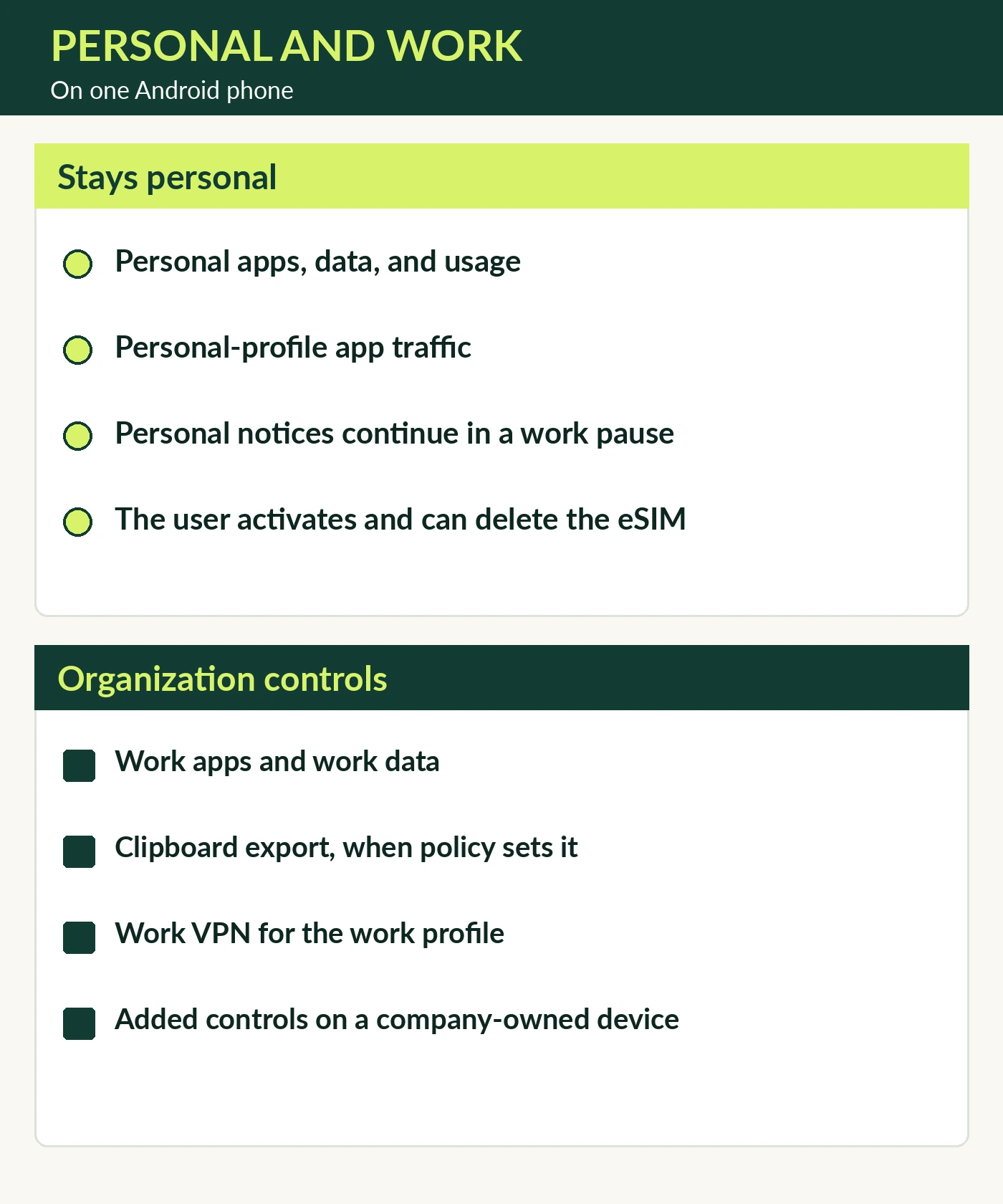
What stays personal on a personally owned device:
- Personal apps, data, and usage details are not visible to the organization.
- Personal-profile app traffic is not routed by a VPN configured in the Work Profile.
- Pausing that personally owned profile stops work apps, work notifications, and work widgets, and those work apps do not consume data and battery.
- The user activates the eSIM and can delete the eSIM.
What the organization can control:
- The organization can view and manage work apps and data inside the profile.
- It can restrict cross-profile sharing and block screen capture in the Work Profile.
- Clipboard export is unrestricted until a policy sets the restriction. The default value is false, and that restriction does not prevent import from other profiles.
- On a company-owned device, a pause-time limit can suspend personal apps and data after the limit.
- On a company-owned device the organization can also disallow and uninstall specific personal apps, block screen captures and Circle to Search in the personal profile, configure factory-reset protection and factory-reset the device, block outgoing calls or SMS, and block USB file transfers.
Related Technical Guides
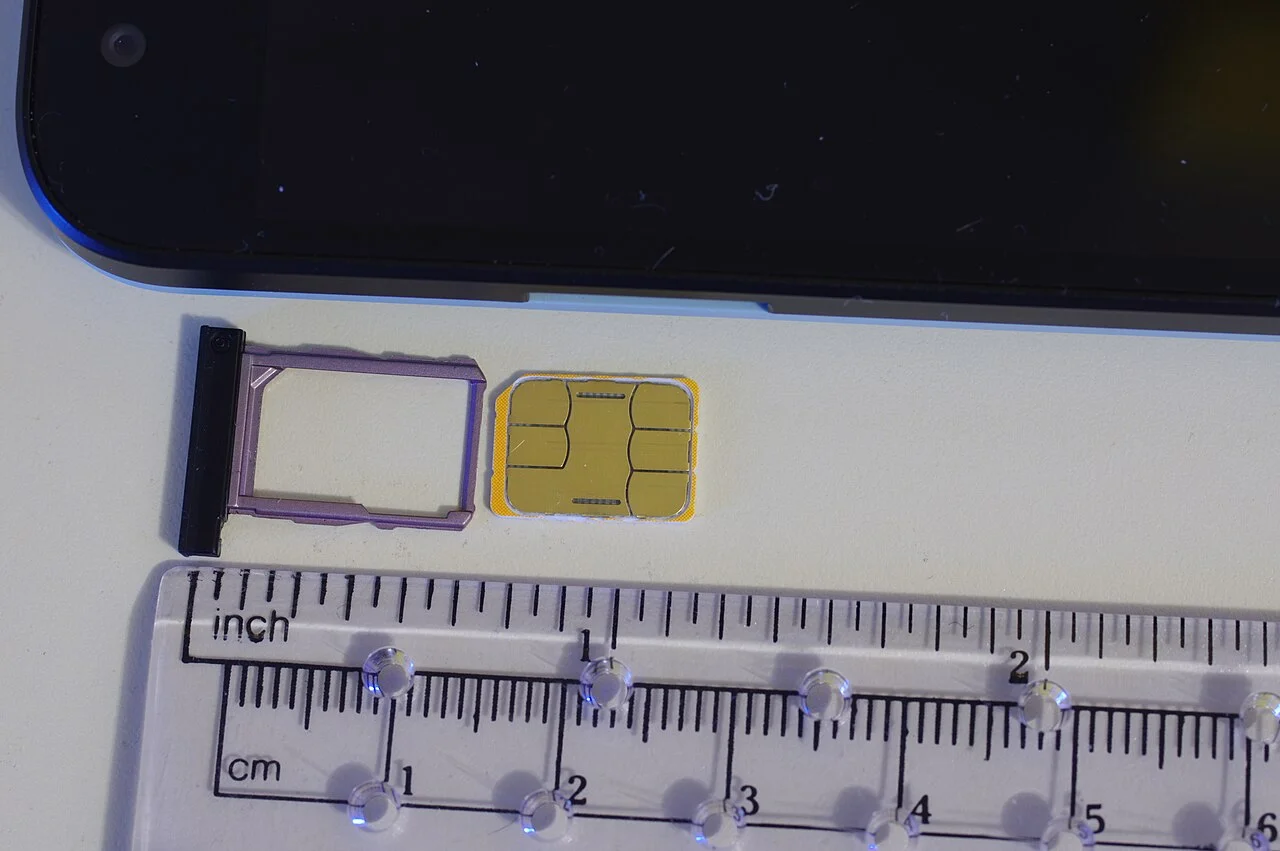
eSIM vs Physical SIM for Phone Fleets
Compare eSIM and physical SIM architecture, SM-DP+ remote provisioning, MDM anti-tamper policies, Dual-SIM Dual-Standby routing, and broken-phone swap workflows.
Read technical guide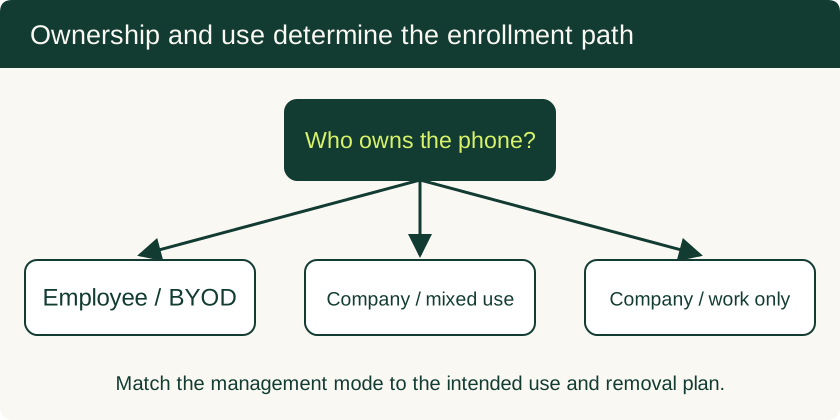
Mobile Device Management for Small Business: BYOD and Company-Owned Setup
Compare enrollment choices, evaluate MDM costs and controls, pilot deployment and test removal of work data before a wider rollout.
Read technical guide
USB-C PD: Fixed PDO, PPS & E-Marker Cables
How USB-C PD (USB Power Delivery) negotiates Fixed Supply PDO, PPS, and AVS profiles, e-Marker cable limits, and multiport hub pass-through power reserves.
Read technical guide